Quick answer
If a client asks for the finished files, send the completed transfer link. If HeftySend asks for an endpoint in its storage settings, enter your storage provider’s API address. Mixing those two jobs is an easy way to end up with a link that opens an error instead of your work.
Which address do you actually need?
| What you have | What it identifies | Where it belongs |
|---|---|---|
| S3 endpoint | The storage service your app contacts | Storage connection settings |
| Bucket name or address | A container holding objects | Bucket configuration |
| Object URL | One stored file | A direct file request, subject to access permissions |
| Presigned object URL | A permitted operation on an object for a limited time | Temporary direct access for the intended recipient |
| HeftySend transfer link | A recipient page for your transfer | The message you send to your client |
For example, imagine a designer delivering three final assets. Their storage connection needs the provider’s endpoint and bucket details. Their client needs the transfer page containing those assets. The client should not have to work out which storage field means what.
What does an Amazon S3 endpoint look like?
For a regular Amazon S3 endpoint, the region forms part of the hostname. The example below is for London. Choose the actual region of your bucket from the AWS endpoint reference; do not copy this region simply because it appears in an example.
https://s3.eu-west-2.amazonaws.comThat address is for software connecting to S3. It does not name your finished file. Other compatible providers have their own endpoints, so use the provider’s documented value instead of adapting an Amazon address by guesswork.
HeftySend’s Amazon S3 connection tutorial keeps the endpoint, bucket name, region and credentials in separate fields. Follow that guide for the setup and connection test. This article is about selecting the right address, rather than replacing those instructions.
How are a bucket address and an object URL different?
A bucket holds objects. An object key identifies a file within that bucket, including any prefix that looks like a folder. In a common Amazon S3 URL format, the bucket appears before the S3 hostname and the object key follows it. AWS documents these address formats.
These are schematic placeholders, not working links:
Bucket: https://BUCKET.s3.REGION.amazonaws.com
Object: https://BUCKET.s3.REGION.amazonaws.com/KEY
Copying an object’s location does not make it public. A private object can still reject an anonymous browser request even when its address is correct. Do not change the entire bucket’s visibility just to make a client delivery work.
When is a presigned URL useful?
A presigned URL grants temporary access using the permissions of whoever generated it. It can be useful when you deliberately want to share one private object directly. Anyone holding a valid download URL may be able to use that access, so send it only to the intended recipient and treat it as sensitive.
Keep the complete generated URL, including its query string. Removing signing parameters can break it. Choose an appropriate expiry and follow Amazon’s presigned URL guidance. Do not send your secret access key alongside it.
A direct object link may be enough for a technical handoff. For a client who needs to browse a collection, recognise your delivery and preview supported files, a recipient page is often easier to explain.
What should you send a HeftySend recipient?
Copy the link produced by the completed transfer. Check it as a recipient before sharing it: are the expected filenames visible, are the files available, and do any password or expiry settings match your message? Send that link with a short explanation of what the client is receiving.
HeftySend provides previews for supported file types and a download page for the transfer. Paid plans offer custom download pages and templates, so a delivery can look like part of your business. The page below is a genuine public product demonstration.

Do you need your own S3 storage to use HeftySend?
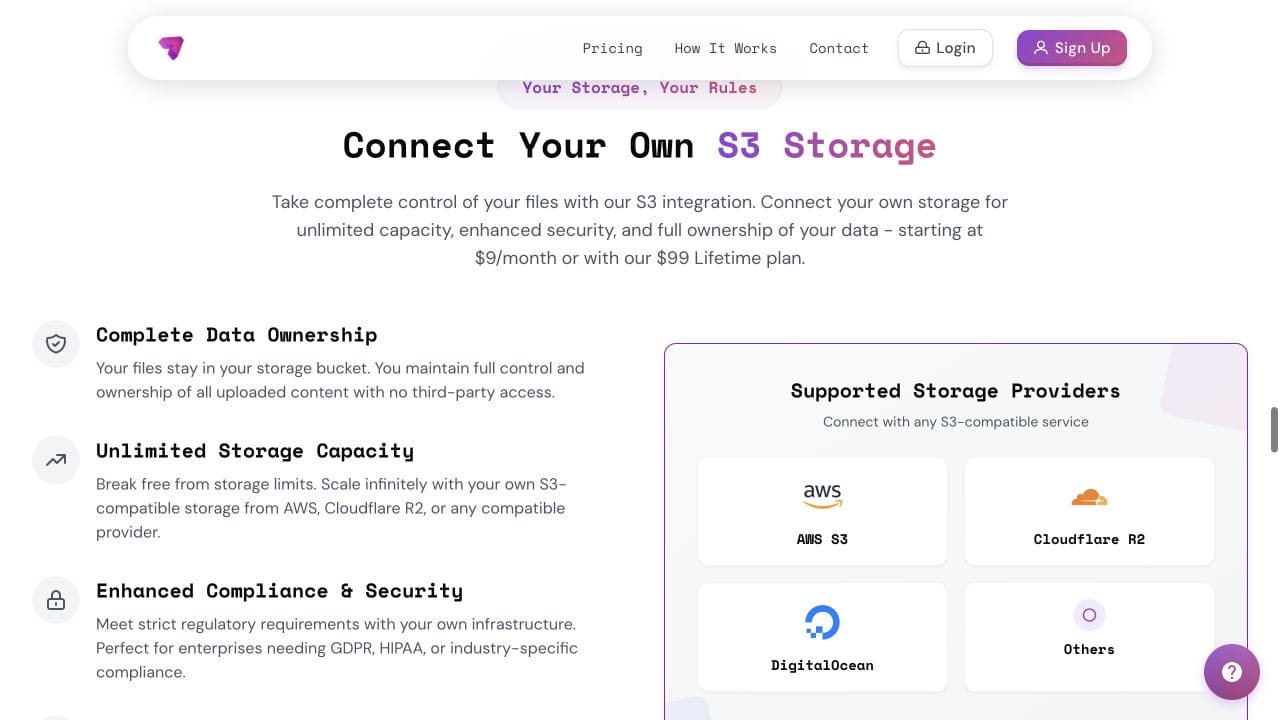
No. You can start with HeftySend’s free service without setting up a bucket. Connecting your own compatible storage is available on Premium, Ultra and Lifetime. Compare the current plans before choosing that route.
HeftySend does not charge for bandwidth usage. When you connect your own storage, your provider can still charge for storage, requests and delivery according to its tariff. For the broader choice between included storage and your own infrastructure, read our guide to sending files with your own S3 storage.
Want a short introduction to S3 first?
This introduction from Amazon Web Services explains the storage service behind the addresses. It is background on S3, rather than a HeftySend setup demonstration.
Frequently asked questions
Can I send my S3 endpoint to a client?
It will not identify the file you want them to receive. Use a deliberately shared object link or the completed HeftySend transfer link.
Is a bucket name the same as an endpoint?
No. The bucket identifies your container; the endpoint identifies the service connection. Enter each into the field requested by the app.
Why does a correct object URL say Access Denied?
The object may be private or the request may lack valid permission. Check the intended sharing method and access settings before changing anything. A correct address alone does not authorise a download.
Should I remove the long query string from a presigned URL?
No. Its signing parameters are part of the access mechanism. Copy the complete generated link and avoid posting it publicly.
Does a HeftySend recipient need my storage credentials?
No. Share the transfer link, plus its password if you set one. Keep the storage access key and secret in the authorised connection settings.
Will a custom download page remove my provider’s charges?
No. Presentation and storage billing are separate. HeftySend’s lack of bandwidth charges does not remove charges from your own storage provider.
Ready to deliver files without explaining storage endpoints to your client? Start with a free account and use a clear recipient link for your next transfer.