

Let's be real, we've all been there. You’ve just finished a massive project, a beautiful 4K video, or a huge design portfolio, and you hit 'send' only to watch a progress bar that moves slower than a snail in molasses. The dreaded "File too large" error is a creativity killer. It forces you to compress your work, lose quality, or waste time splitting files into a dozen tiny pieces.
That frustrating bottleneck is exactly why sending massive files needs a modern solution—one that’s fast, free, and doesn't make you or your client jump through hoops. This guide is your way out of that digital traffic jam. I’ve personally tested and compiled this list of the 12 best free large file transfer service options available today. Full disclosure, I'm part of the team that built HeftySend, because we were tired of the limitations of other tools. So while I'm a bit biased, I also know exactly what problems need solving.
We'll dive deep into what actually matters for creatives and professionals: the real-world upload limits, data security, and overall user experience. No marketing fluff, just my straightforward guide with screenshots and direct links to help you find the perfect tool. This list will help you get your work where it needs to go, instantly and without compromise.
1. HeftySend
Okay, so I’m putting our own tool first, but hear me out. We built HeftySend because we believe it's the best free large file transfer service out there, especially for creative professionals. It lets anyone send up to 20 GB per transfer completely free, without ever needing an account or hitting annoying bandwidth caps. It's the tool I wish I'd had when I was juggling massive video files and design proofs.
What really makes me proud of HeftySend is how it treats the person on the other end. Instead of forcing them to download a huge file just to see what it is, we built in-browser previews for images, videos, audio, and PDFs. This is a game-changer for client work. They can review content instantly without clogging up their hard drives. We obsessed over making the process simple—just two clicks, a clean interface with no pop-ups, and a global CDN to make sure it's consistently fast. You should give it a try and see for yourself.
Key Strengths & Use Cases
- For Creative Professionals: Videographers and designers can send uncompressed 4K video files or high-resolution design proofs, knowing their clients can preview them instantly. The 20 GB limit is perfect for delivering final project assets.
- For Agencies & Businesses: Our premium plans let you create fully branded download pages, removing all HeftySend logos and allowing custom backgrounds, colors, and text. It keeps you looking professional during client handoffs.
- For Ultimate Control & Compliance: Our Premium and Ultra plans (and the one-time Lifetime plan) let you connect your own S3-compatible storage. This gives you unlimited capacity and full data ownership, ensuring compliance with regulations like GDPR and HIPAA.
Pricing and Limitations
While our free plan is incredibly generous, the links do expire after three days. For longer expiry (up to a year on Premium, never on Ultra), transfers up to 1 TB or 4 TB, password protection, and advanced branding, our paid plans start at an affordable $9 per month and go up to $39 per month for professionals who need priority support and maximum customization.
Website: https://heftysend.com
2. WeTransfer
WeTransfer is one of the most recognized names in file sharing, and honestly, for good reason. Its clean, minimalist interface makes it incredibly simple to use, which is why it has become a go-to for so many people. The platform's free service is a solid choice for sending moderately large files without forcing the recipient to sign up, making the whole process smooth for everyone involved. It’s a reliable tool when you need to send a project to a client who may not be tech-savvy.

I do appreciate that they offer password protection even on their free tier, which adds a welcome layer of security. However, the free plan has its limits. You can send files up to 3GB, but there's a cap of 10 transfers every 30 days, and the links expire. This makes it unsuitable for long-term storage or for those of us who send a high volume of files frequently.
Key Features & Limitations
| Feature | Free Plan Details |
|---|---|
| Max Transfer Size | 3 GB per transfer |
| Transfer Expiry | Links expire after a set period (not permanent) |
| Monthly Limit | 10 transfers per 30 days |
| Security | Password protection included |
| User Experience | Extremely simple, no account needed for recipient |
If the 3GB limit feels restrictive for your high-resolution video or design assets, a service like HeftySend might be a better fit, offering more generous transfer sizes without that monthly cap.
Website: https://wetransfer.com
3. SwissTransfer by Infomaniak
For those who prioritize privacy and need to send exceptionally large files, I have to hand it to SwissTransfer. It's a standout choice. Backed by the Swiss hosting company Infomaniak, this service leverages Switzerland's strong data protection laws to offer a secure, ad-free experience. Its biggest draw is the massive 50GB transfer limit on the free plan, a figure that dwarfs most competitors and makes it a leading contender for the best free large file transfer service available.
The platform is refreshingly straightforward, requiring no registration to send files. You get robust control over your transfers, including customizable expiry dates up to 30 days, download limits, and optional password protection. However, a key limitation I found is that ZIP downloads over 10GB are not supported, which can be an issue for recipients downloading large multi-file projects.
Key Features & Limitations
| Feature | Free Plan Details |
|---|---|
| Max Transfer Size | Up to 50 GB per transfer |
| Transfer Expiry | Customizable (1, 7, 15, or 30 days) |
| Monthly Limit | None specified (up to 500 transfers per day) |
| Security | End-to-end encryption & data stored in Switzerland |
| User Experience | Clean, no registration needed, and ad-free |
While the 50GB limit is impressive, if your workflow involves frequent transfers of massive multi-file projects that need to be zipped, a platform like HeftySend could offer a more seamless download experience for your recipients without file-type restrictions.
Website: https://www.swisstransfer.com
4. Smash (fromsmash)
Smash really stands out with a bold promise: no file size limits, even on its free plan. This makes it an incredibly attractive option for creatives, especially my fellow video editors and 3D artists who often work with massive files that exceed the caps of other services. The platform operates with a clean, drag-and-drop interface that requires no account to send files, offering a straightforward user experience that gets the job done quickly.
The unique trade-off for this unlimited size is its queuing system. Free transfers larger than 2GB are not prioritized and may experience delivery delays as they are processed after paid users' transfers. While this makes it a fantastic tool for occasional, non-urgent large sends, it might not be reliable for tight deadlines. Even with this caveat, Smash remains a powerful and standout best free large file transfer service for its sheer flexibility.
Key Features & Limitations
| Feature | Free Plan Details |
|---|---|
| Max Transfer Size | No limit (transfers >2GB are deprioritized) |
| Transfer Expiry | Links expire after 7 days |
| Monthly Limit | No transfer limit |
| Security | Password protection and end-to-end encryption included |
| User Experience | Simple drag-and-drop, no account needed to send or receive |
If your projects require both large transfer sizes and predictable, fast delivery times, a service like HeftySend provides a more reliable alternative, ensuring your critical files arrive without delay.
Website: https://fromsmash.com
5. Filemail
Filemail has been a reliable player in the file-sharing space for years, and I think it distinguishes itself with a focus on cross-platform accessibility. Unlike many browser-only services, Filemail offers dedicated desktop and mobile apps, providing a more integrated and robust experience for frequent users. Its free service is a solid option for business professionals who need to send files up to 5GB and appreciate the ability to track downloads, ensuring recipients have received the necessary assets.
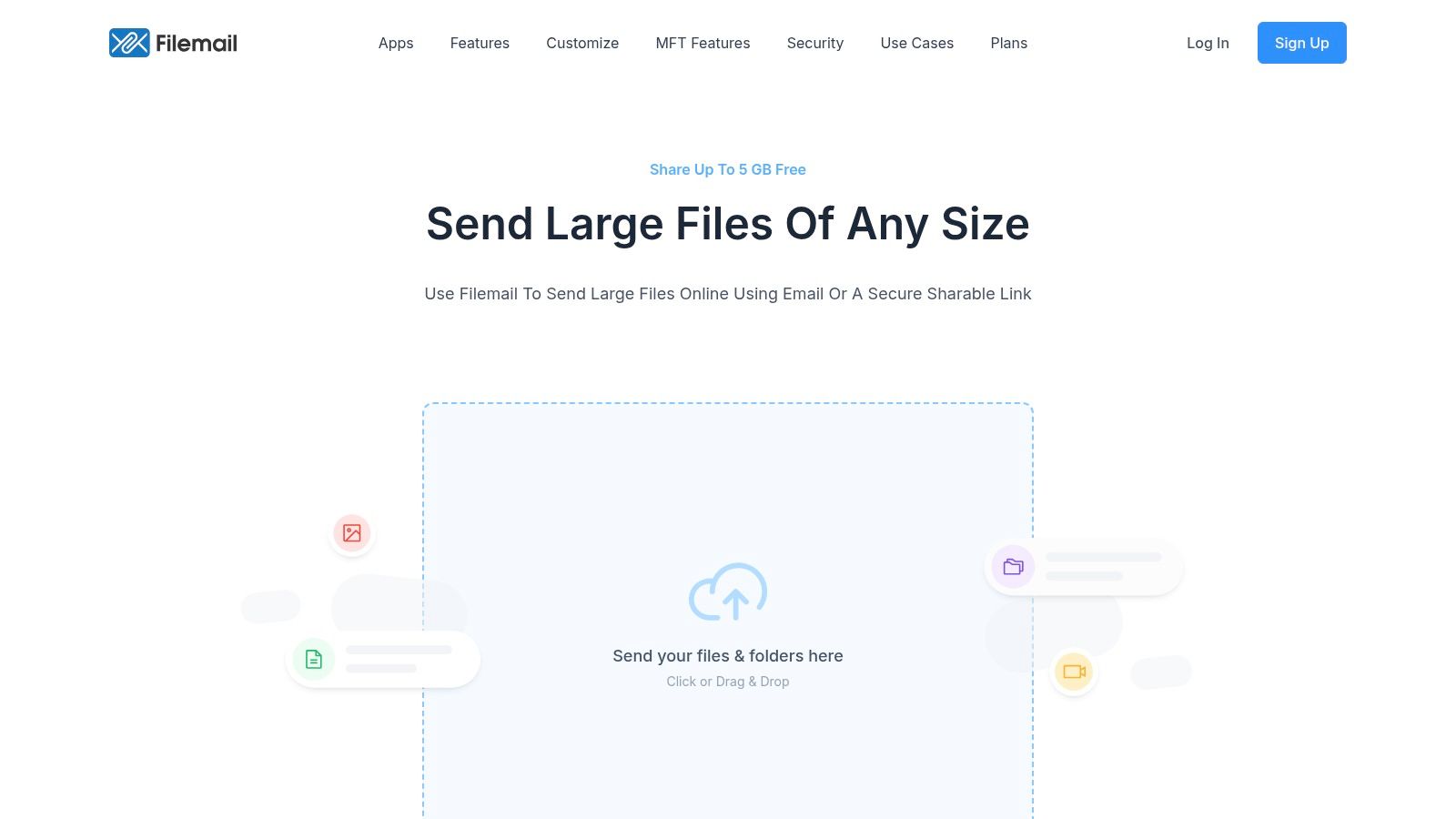
The platform’s strength lies in its versatility, with features like transfer resuming available through its desktop client, which is a lifesaver for unstable internet connections. However, the free tier is quite restrictive. You are limited to just two transfers per day, and the files are only available for seven days before they expire. This makes it less ideal for collaborative projects or when you need longer-term access to shared files.
Key Features & Limitations
| Feature | Free Plan Details |
|---|---|
| Max Transfer Size | 5 GB per transfer |
| Transfer Expiry | Links expire after 7 days |
| Daily Limit | 2 transfers per day |
| Security | Download tracking available |
| User Experience | Multiple clients (web, desktop, mobile) for flexibility |
If the 5 GB limit and strict daily transfer caps are a bottleneck for your workflow, a service like HeftySend provides a more generous free tier, allowing for larger files and more frequent sending without the daily restrictions.
Website: https://www.filemail.com
6. TransferNow
TransferNow is a robust contender in the file-sharing space, offering one of the more generous free plans available. It balances a straightforward user interface with strong security features, making it an excellent choice for professionals who need to send sensitive files without immediate cost. The platform's free service provides a significant 5 GB transfer limit, which is a noticeable step up from many competitors and ideal for sharing larger project files, presentations, or photo albums.
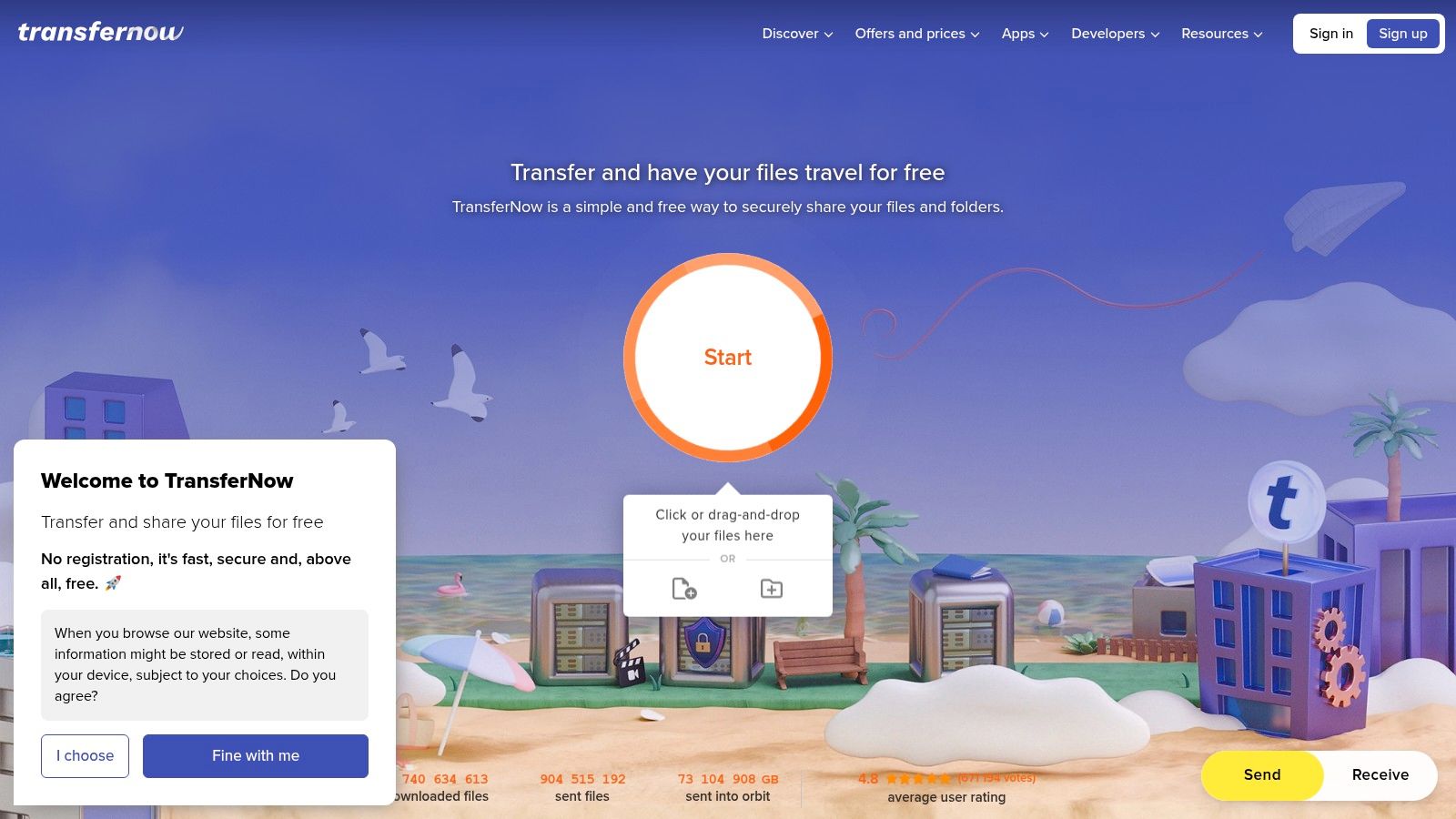
What makes TransferNow a solid option in my book is its inclusion of password protection on the free tier, a feature often reserved for paid accounts. This adds a crucial layer of security for peace of mind. However, the 7-day expiry on free links means it isn't suited for permanent file storage. While its free offering is impressive, those handling massive 4K video projects or extensive RAW photo collections might still find the 5 GB limit a bottleneck.
Key Features & Limitations
| Feature | Free Plan Details |
|---|---|
| Max Transfer Size | 5 GB per transfer |
| Transfer Expiry | Links expire after 7 days |
| Monthly Limit | No explicit transfer number limit, but fair use applies |
| Security | Password protection included |
| User Experience | Simple drag-and-drop interface, no sign-up required |
For users who regularly exceed the 5 GB cap or require links that don't expire, a more specialized service like HeftySend could be the perfect upgrade, offering larger transfer capacities built for high-demand creative workflows.
Website: https://www.transfernow.net
7. pCloud Transfer
pCloud Transfer is a streamlined, secure file-sharing tool from the well-known cloud storage provider, pCloud. It offers a straightforward way to send large files without needing an account, making it an excellent choice for one-off transfers where privacy is a priority. The service stands out by offering optional client-side encryption, allowing you to password-protect your files before they even leave your computer—a feature I find isn't commonly available in free, no-login services.
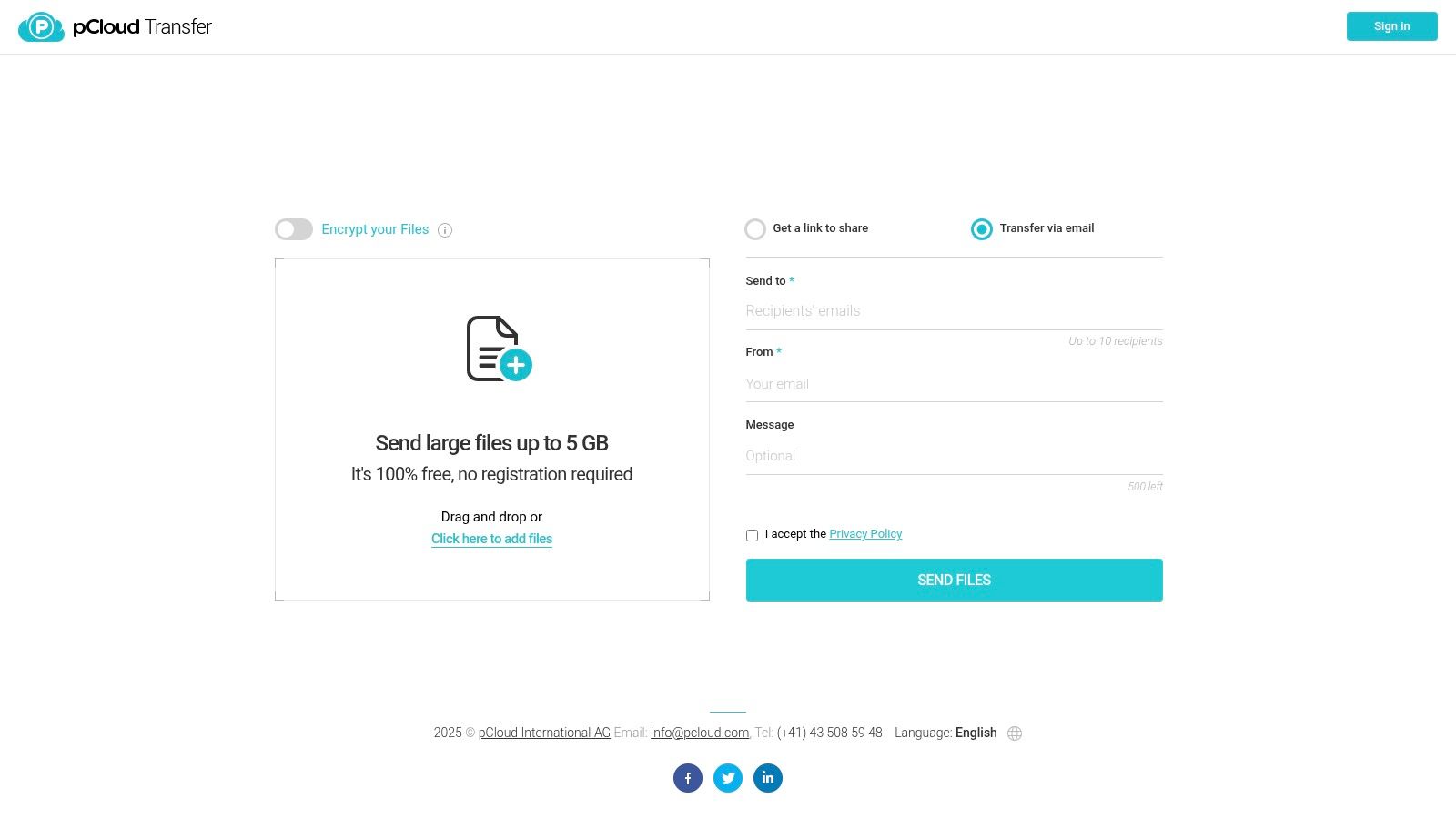
This focus on security makes it a reliable option for sending sensitive documents or proprietary creative work. You can send files up to 5 GB to multiple recipients and choose to receive notifications when your files are downloaded. The main drawback is the temporary nature of the links, which typically expire after seven days. This makes it unsuitable for permanent file access or collaborative projects.
Key Features & Limitations
| Feature | Free Plan Details |
|---|---|
| Max Transfer Size | Up to 5 GB per transfer |
| Transfer Expiry | Links expire after a set period (usually 7 days) |
| Monthly Limit | No explicit monthly transfer limit for one-off sends |
| Security | Optional client-side encryption with a password |
| User Experience | Simple drag-and-drop, no account required to send |
While 5 GB is generous, professionals handling 4K video or extensive photo libraries might find it limiting. For those who need to send much larger files without compromising on simplicity, a dedicated service like HeftySend provides a more robust solution with significantly higher transfer size caps.
Website: https://transfer.pcloud.com
8. Dropbox Transfer
Dropbox Transfer is a dedicated tool from the cloud storage giant, designed specifically for sending finalized files. Unlike sharing a standard Dropbox folder, this feature is built for one-way delivery, preventing recipients from editing the original content. It’s an ideal solution for professionals already invested in the Dropbox ecosystem who need to send polished work, like a final video cut or a design portfolio, without granting collaborative access.
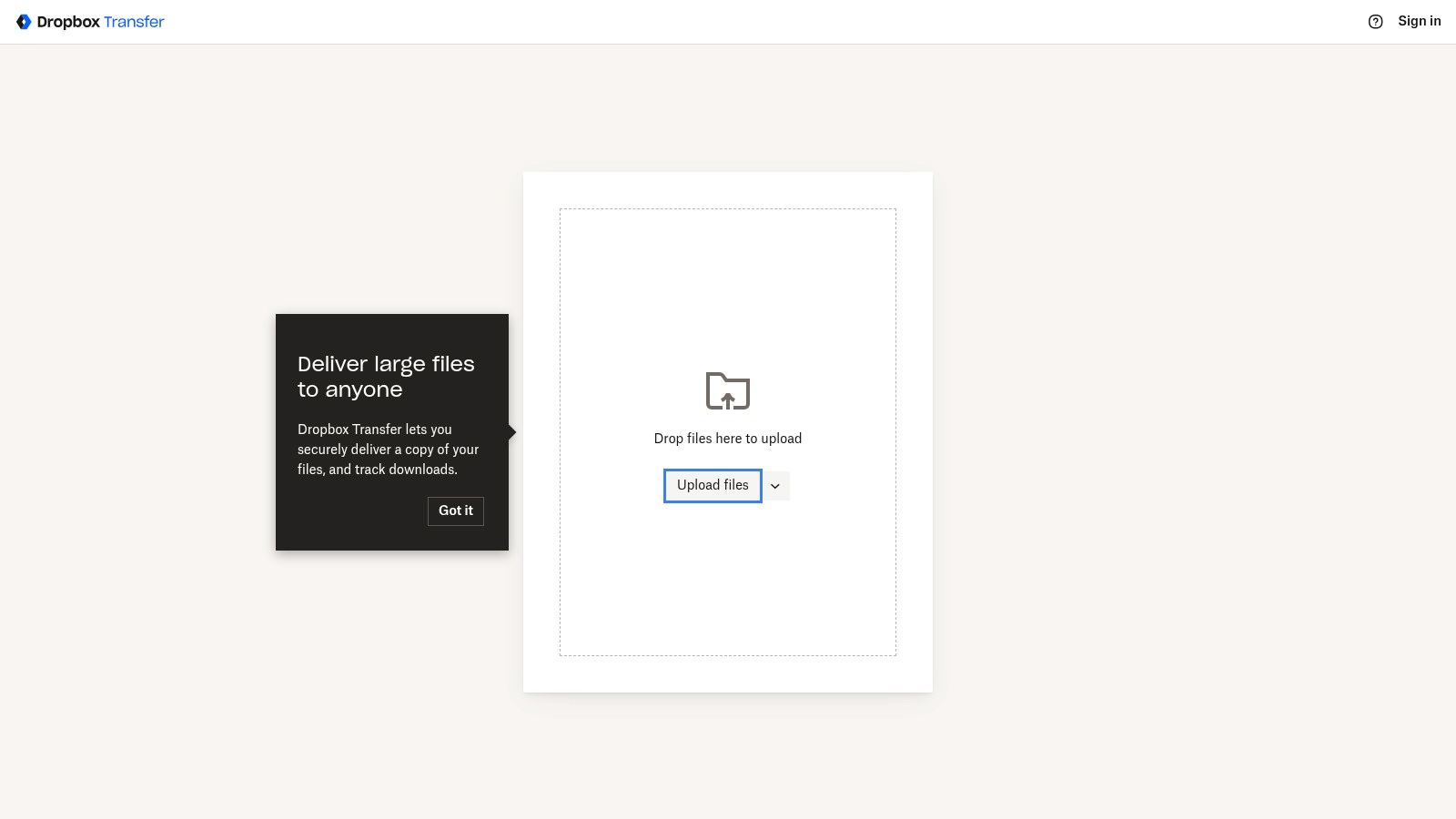
The free plan offers a reliable experience with polished file previews but is held back by a modest 2GB transfer limit. This makes it a great choice for delivering documents or smaller creative assets. However, essential features for professional use, such as password protection, custom branding, and extended expiration dates, are locked behind a paid subscription, which significantly raises the transfer cap.
Key Features & Limitations
| Feature | Free Plan Details |
|---|---|
| Max Transfer Size | 2 GB per transfer |
| Transfer Expiry | Links expire automatically after 7 days |
| Monthly Limit | Unlimited transfers (within storage limits) |
| Security | Basic security; passwords require a paid plan |
| User Experience | Clean and integrated with Dropbox; no recipient account needed |
For those who frequently hit the 2GB wall but don't want to commit to another subscription, a dedicated service like HeftySend provides a more generous free tier for sending large project files without the ecosystem constraints.
Website: https://www.dropbox.com/transfer
9. Google Drive
While primarily known as a cloud storage solution, Google Drive is an incredibly effective and widely used tool for file transfers. Its main advantage is familiarity; most of us already have a Google account. The service offers a generous 15GB of free storage, which is shared across your Gmail and Google Photos, but this still provides ample room for sending hefty files via a simple shareable link. The deep integration with the Google ecosystem makes it a seamless choice for anyone already using Gmail or Google Workspace.
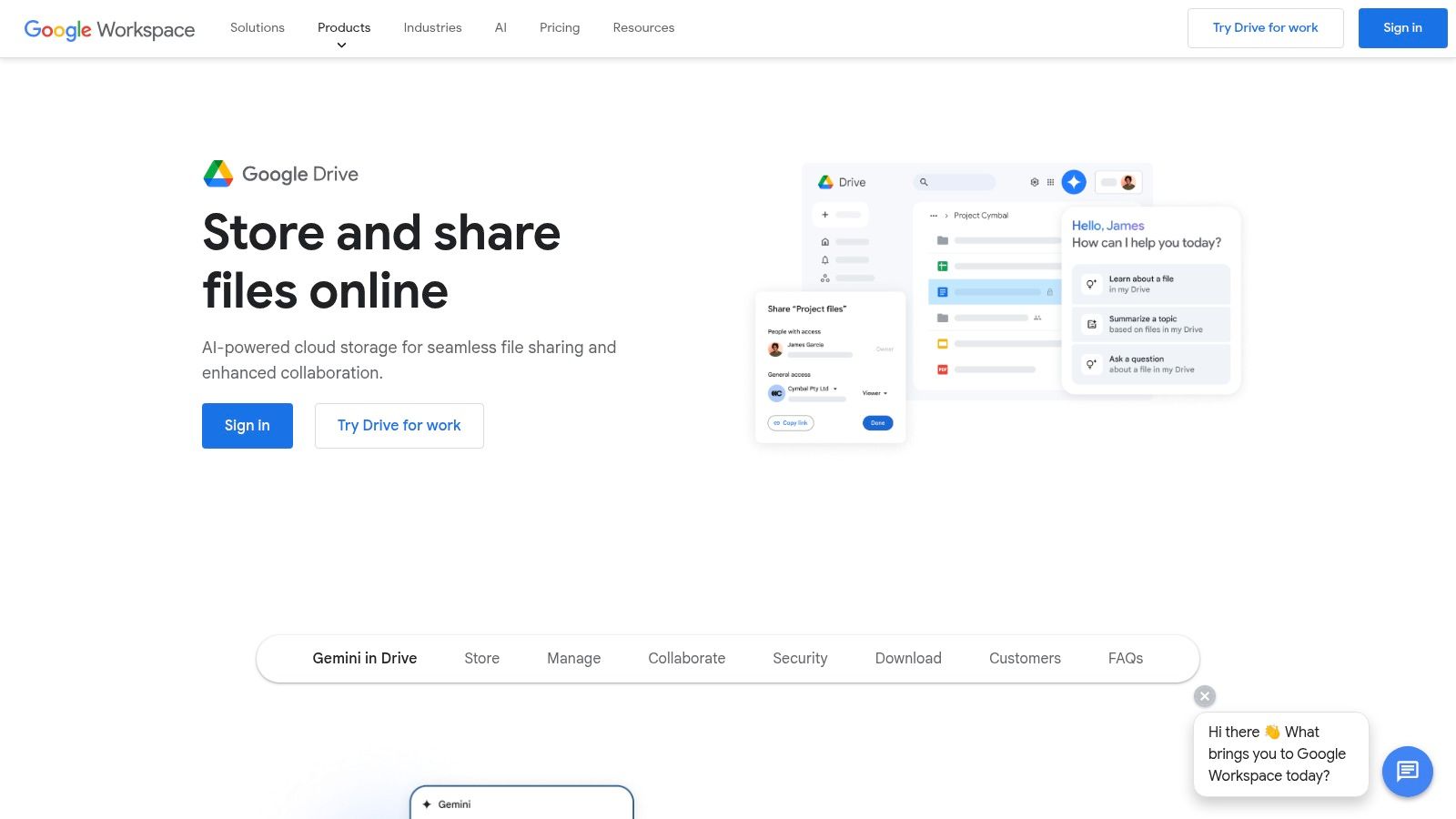
The platform supports single file uploads of up to 5TB (as long as you have the space), which is unmatched by most dedicated transfer services. Sharing is done via a link with granular permissions, allowing you to control who can view, comment on, or edit the file. The main drawback is that your 15GB of free space can fill up quickly with emails and photos, potentially blocking new uploads. Additionally, I find the sharing settings can sometimes be confusing for new users, leading to accidental privacy issues.
Key Features & Limitations
| Feature | Free Plan Details |
|---|---|
| Max Transfer Size | Up to your available storage (max 5TB single file) |
| Transfer Expiry | Links do not expire unless you manually revoke access |
| Monthly Limit | None; limited by 15 GB total storage |
| Security | Link-based access controls (view, comment, edit) |
| User Experience | Familiar interface, but storage is shared |
For users who need a more straightforward, transfer-focused service without worrying about shared storage limits, a dedicated tool like HeftySend offers a cleaner experience specifically for sending files.
Website: https://drive.google.com
10. Microsoft OneDrive
Microsoft OneDrive is more than just cloud storage; it's a powerful file-sharing tool deeply integrated into the Windows and Microsoft 365 ecosystems. For those of you already using Microsoft products, it excels as a large file transfer service. You can share files directly from your desktop, making it a seamless part of your workflow without needing a separate web interface.
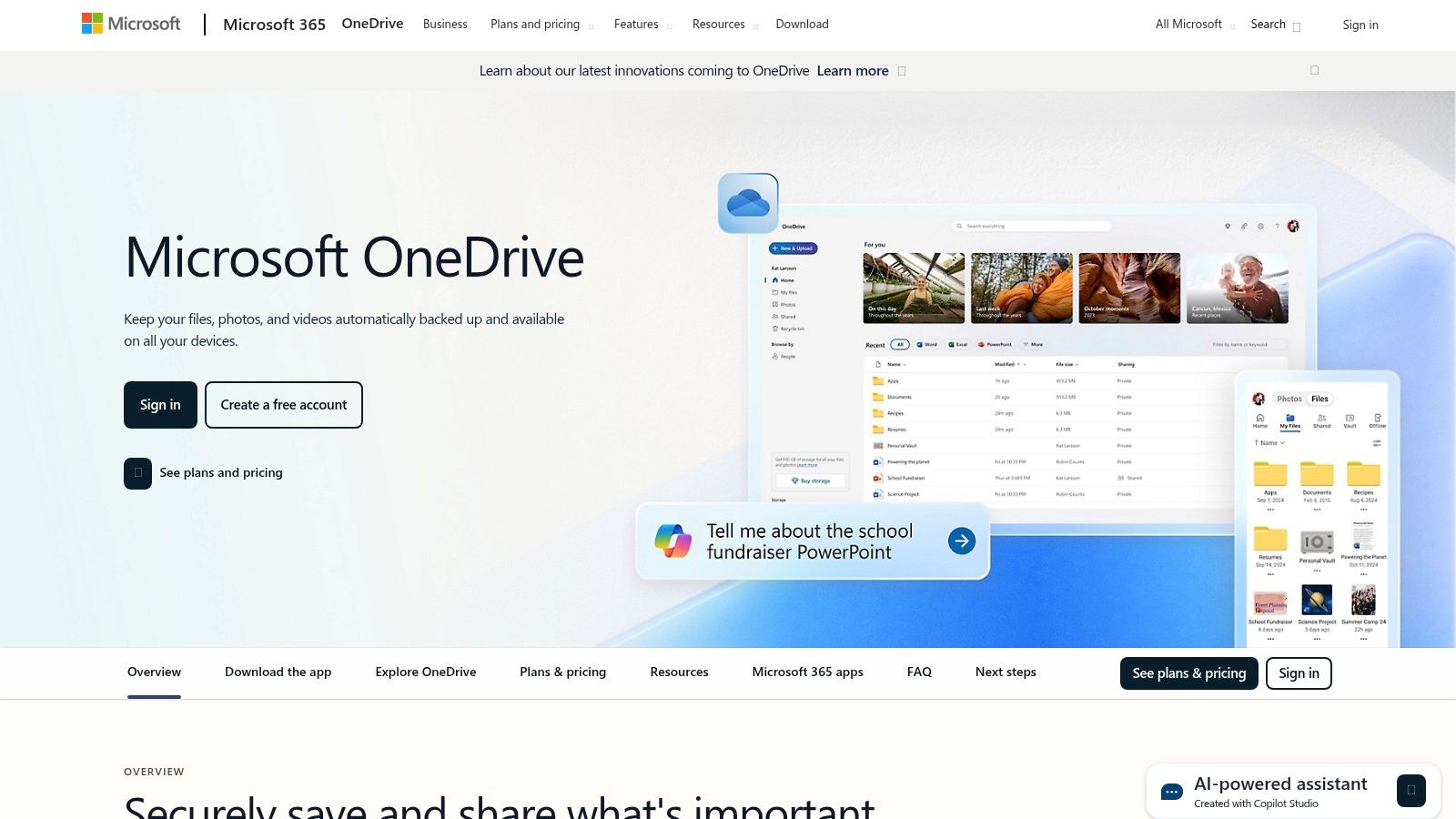
What makes OneDrive a contender is its massive 250 GB per-file size limit, even for free users, which is exceptional. The main drawback is the free storage cap of just 5 GB. This means you can send a huge file, but you'll likely have to delete it afterward to free up space. Advanced features like password-protected links and expiry dates are also locked behind paid Microsoft 365 subscriptions.
Key Features & Limitations
| Feature | Free Plan Details |
|---|---|
| Max Transfer Size | 250 GB per file |
| Transfer Expiry | No (Links are permanent unless manually removed) |
| Monthly Limit | None (Limited by total 5 GB storage) |
| Security | Basic link sharing; password protection is a paid feature |
| User Experience | Excellent for Windows/Office users, native integration |
If you need to send large files without worrying about your total storage limit, a dedicated service like HeftySend provides a more straightforward transfer experience without requiring you to manage cloud space.
Website: https://onedrive.live.com
11. MASV
MASV is a heavyweight contender in the file transfer space, built for professionals who handle massive media files daily, like video editors and production studios. While primarily a paid service, it offers a free trial that includes 10GB of data, making it an excellent way to test its enterprise-grade features. Its core strength lies in its accelerated transfer technology, which maximizes your internet speed for lightning-fast uploads and downloads—a critical feature when deadlines are tight.
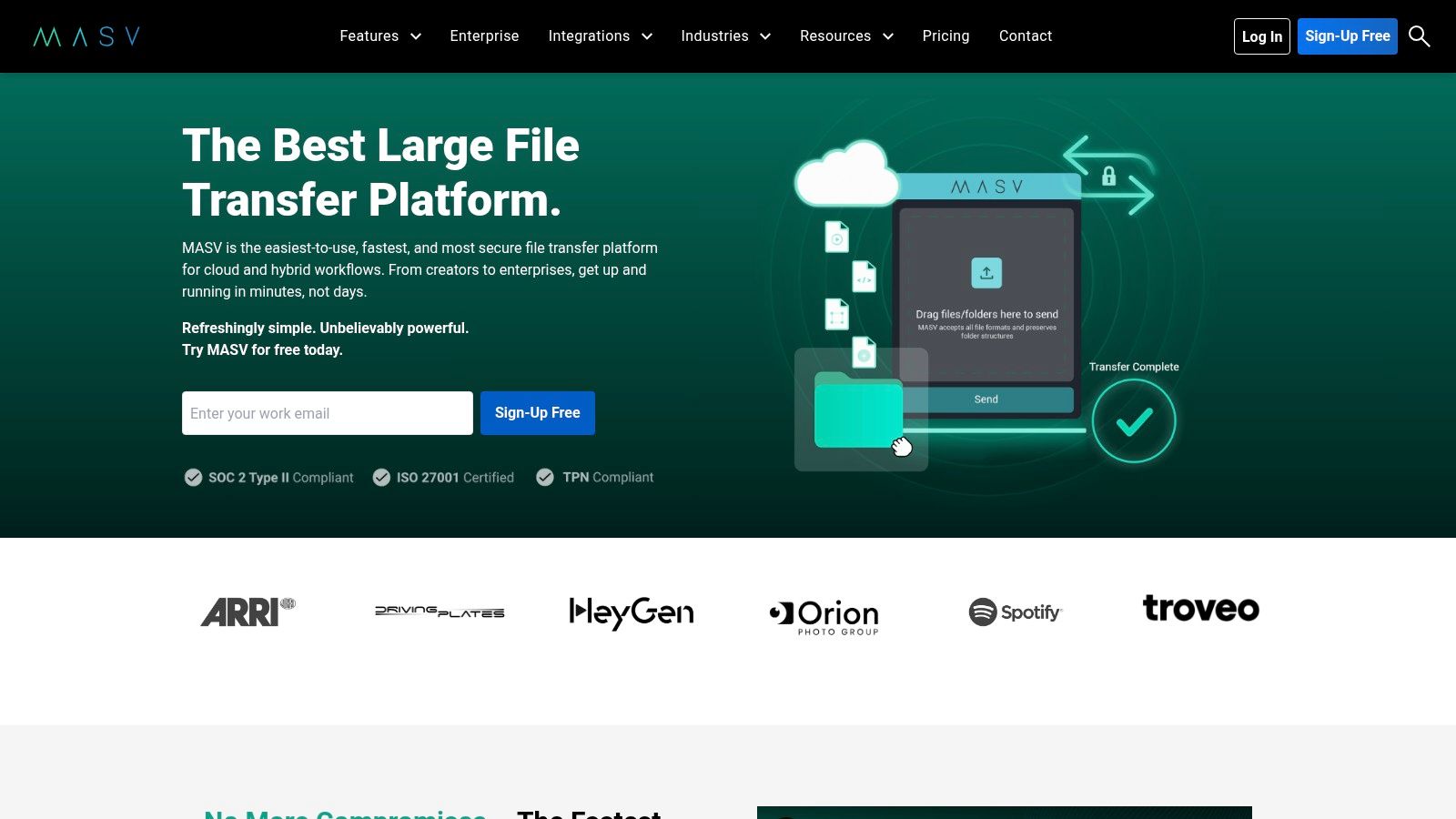
The platform is designed for professional workflows, offering features like browser and desktop apps, client upload "Portals," and integrations with cloud storage. However, its free offering is quite limited. The 10GB monthly allowance is more of a trial than a long-term free plan and will be consumed quickly. After that, it shifts to a pay-as-you-go model, which can become expensive for frequent use.
Key Features & Limitations
| Feature | Free Plan Details |
|---|---|
| Max Transfer Size | Up to 15 TB per file (uses the 10 GB free allowance) |
| Transfer Expiry | Links expire after 10 days by default |
| Monthly Limit | 10 GB total data transfer per month |
| Security | In-flight and at-rest encryption; password protection |
| User Experience | Professional interface with advanced workflow tools |
For those who need the power of a professional tool but find the 10GB limit too restrictive for a free solution, a service like HeftySend provides a more generous free tier for large file transfers without the metered billing.
Website: https://www.massive.io
12. Terashare
Terashare operates on a unique hybrid model, blending peer-to-peer (P2P) technology with traditional server-based sharing. This clever approach removes file size limits entirely, making it a powerful contender for users needing to send exceptionally large files, such as raw video footage or extensive data archives. Its system allows recipients to start downloading or even streaming media files instantly, without waiting for the entire upload to complete.
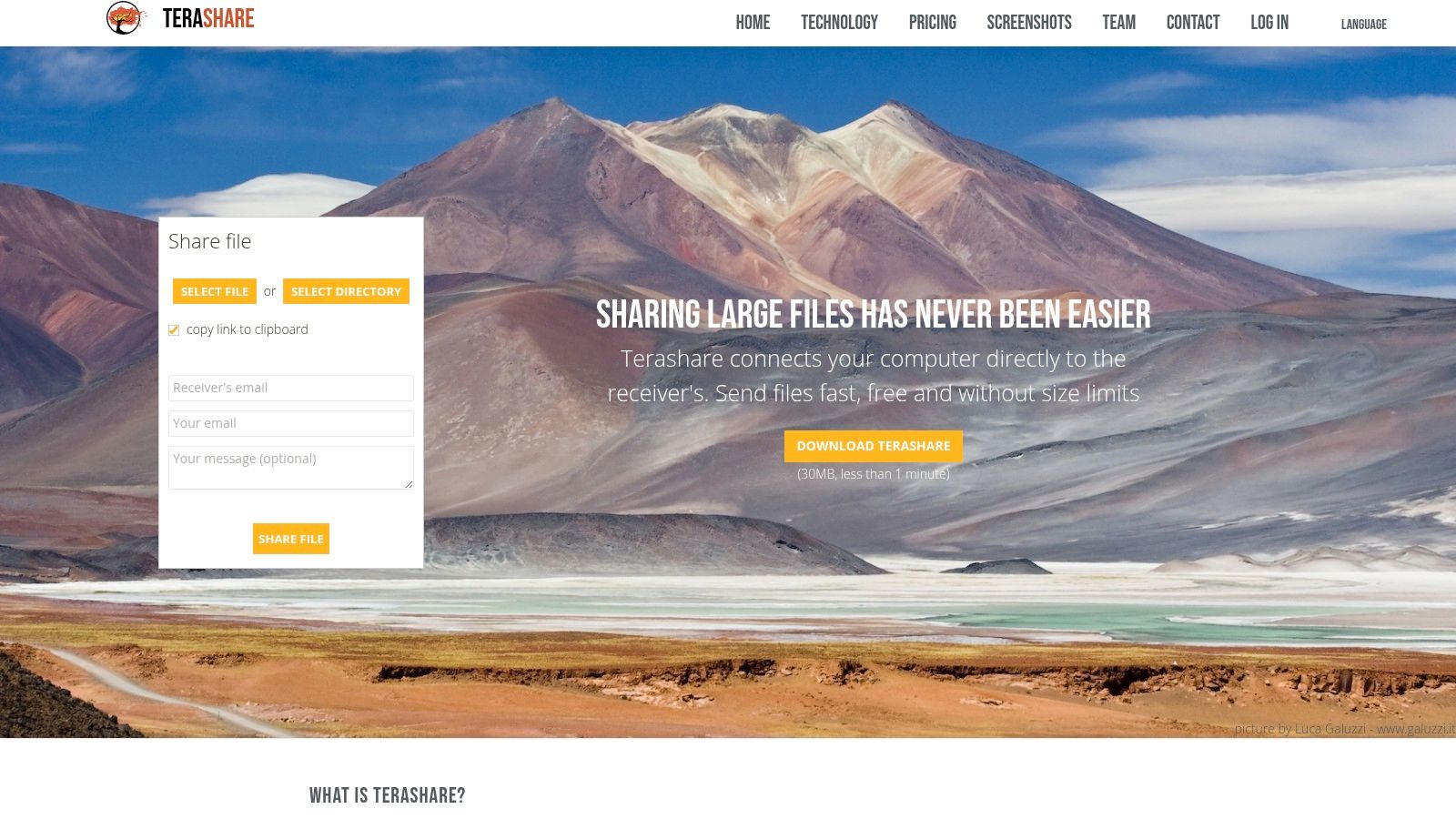
The service is free and ad-supported, but it comes with a significant catch. Files under 10GB are cached on Terashare's servers, but for anything larger, the sender must keep their computer online and connected until the transfer is finished. This makes it less convenient than a fully cloud-based solution, as it relies on your own machine's uptime and bandwidth.
Key Features & Limitations
| Feature | Free Plan Details |
|---|---|
| Max Transfer Size | Unlimited (uses peer-to-peer) |
| Transfer Expiry | No fixed expiry, dependent on sender availability for >10GB files |
| Monthly Limit | None |
| Security | Standard transfer protocols, no advanced options like passwords |
| User Experience | Requires a desktop client; sender must stay online for huge files |
While Terashare's unlimited size is impressive, the requirement to stay online can be a deal-breaker. For a more reliable "fire-and-forget" experience with large files, a service like HeftySend provides a straightforward cloud-based alternative without tying up your machine.
Website: https://terashare.io
Top 12 Free Large File Transfer Services Comparison
| Service | Core Features & Limits | User Experience & Quality ★ | Value & Pricing 💰 | Target Audience 👥 | Unique Selling Points ✨ |
|---|---|---|---|---|---|
| 🏆 HeftySend | Up to 20GB free, unlimited bandwidth, global CDN | Instant media previews, pop-up-free UI, fast ★★★★☆ | Free tier; paid from $9/mo; own S3 on paid plans | Creatives, agencies, businesses | Fully branded pages, S3 storage integration, no signup needed |
| WeTransfer | 3GB free per transfer, 10 transfers/month | Simple, familiar UI, password protection ★★★☆☆ | Free; paid tiers for larger transfers | Casual users, general | No-account sending, broad adoption |
| SwissTransfer | Up to 50GB free, expiry up to 30 days | Privacy-focused, ad-free ★★★☆☆ | Free | Privacy-conscious, large files | Swiss data centers, strong data protection |
| Smash | No fixed size limit, free >2GB queued | Variable delivery speed ★★★☆☆ | Free; paid plans for branding & storage | Occasional large transfers | No size limit, view/download tracking |
| Filemail | 5GB free sends, 7-day retention | Multi-platform apps, transfer resume ★★★☆☆ | Free; paid plans with acceleration | Business users, professionals | Desktop/outlook apps, transfer resume |
| TransferNow | 5GB free limit, 7-day expiry | Simple UI, password protection ★★★☆☆ | Free; paid plans for team/enterprise | Business, teams | Brandable links on paid plans |
| pCloud Transfer | 5GB free, client-side encryption | Secure, minimal UI ★★★☆☆ | Free | Security-conscious | Password encryption, no account needed |
| Dropbox Transfer | 2GB free, up to 250GB paid | Reliable delivery, previews ★★★★☆ | Free; paid via Dropbox subscriptions | Dropbox ecosystem users | Ecosystem integration, detailed controls |
| Google Drive | 15GB free shared space, up to 5TB file size | Smooth previews, collaboration ★★★★☆ | Free; paid for more storage | General users, collaborators | Large storage, Google Workspace integration |
| Microsoft OneDrive | 5GB free, up to 250GB per file | Office & Windows integration ★★★☆☆ | Free; Microsoft 365 subscription needed | Microsoft users | Deep OS & Office integration |
| MASV | 10GB free/month, accelerated transfers | Pro-grade speed, auditability ★★★★☆ | Usage-based billing | Media professionals | Portals, cloud ingest, large media optimized |
| Terashare | Unlimited size, P2P + server cache | Instant streaming, free ad-supported ★★★☆☆ | Free | Power users, large files | Hybrid P2P transfer, instant streaming |
So, What's the Right Move for Your Gigantic Files?
Navigating the crowded landscape of file transfer services can feel like choosing a new camera lens; the "best" one truly depends on the specific job at hand. After diving deep into a dozen options, it’s clear that there isn't a single universal solution. Your choice ultimately boils down to a trade-off between file size, speed, security, and user experience.
We've seen how tools like SwissTransfer champion privacy with impressive free limits, while platforms such as Google Drive and Dropbox offer the convenience of an integrated ecosystem, albeit with more restrictive dedicated transfer features. Others, like Smash, remove file size limits entirely but may throttle speeds to encourage paid upgrades. The right choice hinges on your specific, day-to-day workflow.
Making the Final Decision: A Quick Guide
To find the best free large file transfer service for your unique needs, ask yourself these critical questions:
- What's my primary use case? Are you a videographer sending massive 4K raw footage, a photographer delivering a client gallery, or a small business sharing project folders? The nature of your files dictates the necessary size and speed.
- How important is the recipient's experience? Do you need a slick, professional download page with your branding to impress clients, or is a simple, no-frills link sufficient for internal team members or friends?
- What are my privacy and security requirements? Are you handling sensitive client data that demands password protection and end-to-end encryption, or are your files less confidential?
- Do I need long-term storage or a quick transfer? Services like pCloud offer a bridge between transfers and cloud storage, while most others provide temporary links designed for immediate sharing and download.
Ultimately, the goal is to find a tool that removes friction from your workflow, not one that adds another layer of complexity. To dive deeper into various strategies for managing and transferring significant data, consider exploring the best ways to share large files for a broader perspective on data handling.
After personally testing and analyzing all these platforms, my goal was to find a service that didn't force a compromise between massive file sizes, blazing-fast speeds, and a truly beautiful user experience. For creative professionals and businesses who refuse to settle, finding that perfect balance is key. It’s about empowering your work, not limiting it.
Ready to stop worrying about file size limits and slow uploads? HeftySend was built to provide the simplest, fastest way to send up to 20 GB for free, with no account needed. Experience the difference and send your first Hefty file in under a minute.