

You've just wrapped up a brilliant video project. I've been there—the edit is perfect, the color grade pops, and the sound mix is crisp. Now comes the final, and let's be honest, often frustrating hurdle: sending it to your client, collaborator, or friend. If you've ever watched an upload bar crawl for hours, faced those cryptic "file too large" errors from your email, or forced a client to download a clunky .zip file, you know the pain. That sinking feeling is universal.
Finding the best way to send video files isn't just about getting it from A to B; it's about making the process seamless, professional, and fast. Whether you're a filmmaker sending dailies or a marketer sharing a campaign video, the right tool can completely transform your workflow. In this guide, I'll break down seven of the absolute best services I've seen, from powerhouse platforms we're building at HeftySend to familiar names like Dropbox and Google Drive.
We'll dive into the nitty-gritty details that really matter: upload speeds, file size limits, security features, and what your client actually experiences on their end. Each option includes screenshots and direct links to help you decide. And hey, beyond just the transfer, effectively managing a library of large video files is crucial. It's worth exploring the broader landscape of digital asset management best practices to streamline your entire creative process. Let's find the perfect fit for you.
1. HeftySend: The All-Rounder for Speed, Previews, and Branding
When you're searching for the best way to send video files, you need a tool that balances speed, ease of use, and a professional look. That’s exactly why we built HeftySend—a platform designed from the ground up to solve the common frustrations creatives and businesses face with file transfers. It combines a robust free offering with powerful, premium features that are perfect for demanding professional workflows, making it an exceptional all-around choice.
The real magic of HeftySend is how frictionless it is for both you and your recipient. You can send files up to a massive 20 GB completely free, without even creating an account. Even better, your client doesn’t need to sign up or download any software to view the video you’ve sent. HeftySend generates an instant, in-browser preview, letting them watch the file immediately. This one feature eliminates a huge point of friction, saving your client’s time and preventing that dreaded “this file is too big to download” email. We wanted to make it as simple as possible.
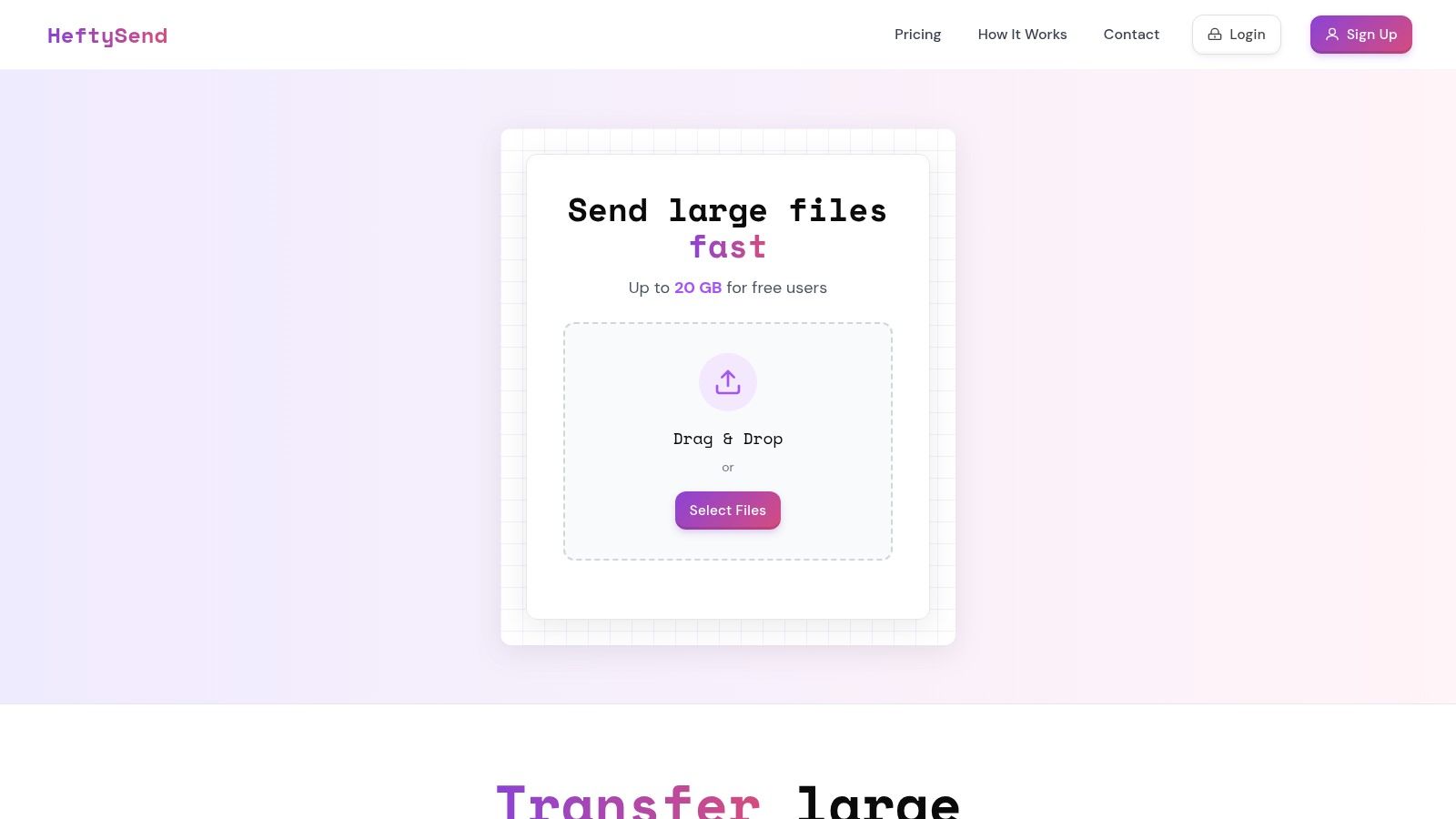
Why We Think HeftySend Stands Out
What truly elevates HeftySend for professionals is its focus on branding and control. While other services give you a generic download page, our premium plans let you create a fully branded transfer portal. This means you can customize the download page with your company logo, specific brand colors, and even a custom video background. The result is a seamless and polished experience that feels like an extension of your own website, reinforcing your brand identity with every delivery.
For agencies, production studios, or anyone handling sensitive data, our Premium and Ultra plans include a game-changing feature: the ability to connect your own S3-compatible storage (like Amazon S3, Wasabi, or Cloudflare R2). This gives you complete control and ownership over your data, ensuring compliance with privacy regulations. It also unlocks unlimited transfer sizes, as you're only limited by your own storage capacity. This unique blend of ease of use, powerful branding, and enterprise-grade security is what makes HeftySend an incredibly versatile tool.
At a Glance: Key Features & Use Cases
| Feature | Free Plan | Premium/Ultra Plans |
|---|---|---|
| Max Transfer Size | Up to 20 GB | 1 TB (Premium) / 4 TB (Ultra); unlimited with custom S3 storage |
| File Previews | Yes (Video, Audio, PDF, Image) | Yes |
| Link Expiration | 3 Days | Customizable (up to 365 days or never) |
| Branding | HeftySend Branding | Custom Logo, Colors, Backgrounds, Removable Branding |
| Storage | HeftySend Servers | Option to connect your own S3-compatible storage |
| Password Protection | No | Yes |
Practical Tip: Use the branded download page feature to create a consistent client experience. Before sending a final project file, set up a page with your logo and a looping video background of your work. This small touch adds a significant layer of professionalism. For more details on the features included in each tier, you can explore the available HeftySend pricing plans.
Website: https://heftysend.com
2. WeTransfer
WeTransfer built its reputation on simplicity, offering one of the most straightforward workflows for sending large files. Its interface is clean and minimal, making it an excellent choice when you need to send a video file to a client who isn't tech-savvy. You simply upload your file, enter the recipient's email address (or generate a shareable link), and send. The recipient gets a direct link to download the file—no account creation or login required. This low-friction experience is why it remains a popular choice for quick, one-off deliveries.
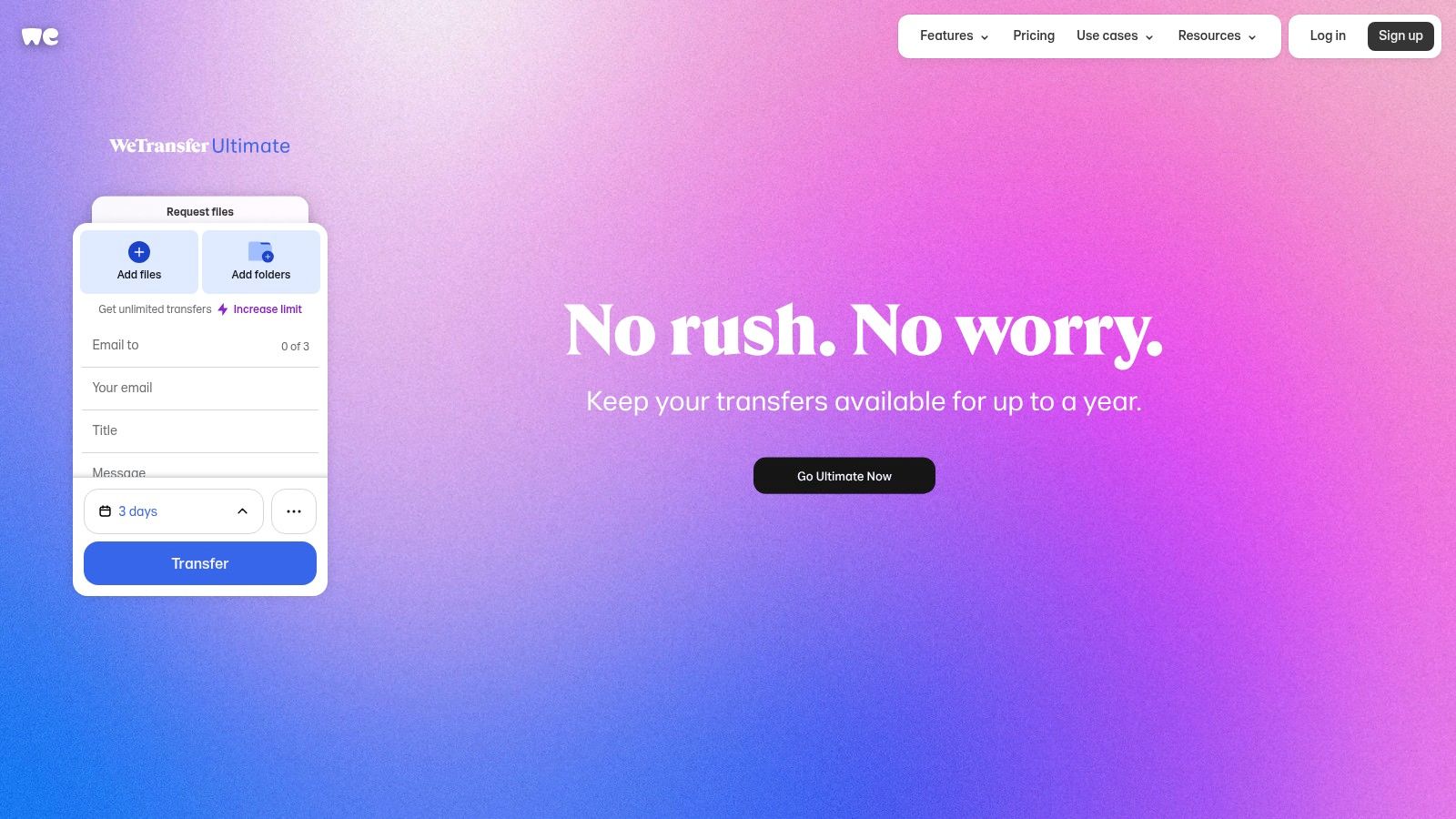
This platform is a strong contender for the best way to send video files when speed and ease of use are your top priorities. It’s perfect for freelancers or small teams who need a reliable, no-fuss solution without the complexity of a full cloud storage system. While alternatives like HeftySend offer unlimited transfers on their free tier, WeTransfer’s predictable, though limited, structure can work well for users with occasional sending needs.
Key Features and User Experience
WeTransfer’s primary advantage is its user-centric design. There are no confusing menus or settings to navigate. Its core function is front and center: drag, drop, and send.
- Sharing Options: You can send files directly via email or generate a shareable link to paste into your own messaging app or email client.
- Password Protection: Paid plans allow you to add a password to your transfers for an extra layer of security, ensuring only the intended recipient can access the video.
- Clear Tier Structure: WeTransfer offers distinct tiers with hard caps, so you always know your limits.
- Free: Up to 10 transfers and a total of 3 GB of data every 30 days.
- Starter: Up to 10 transfers and a total of 300 GB of data every 30 days.
- Ultimate: Unlimited transfers and data.
Pros and Cons
| Pros | Cons |
|---|---|
| Extremely simple workflow ideal for non-technical recipients. | Strict monthly caps on transfers and data for lower tiers. |
| No account needed for recipients to download files. | Higher-tier pricing can be more expensive than competitors. |
| Clean, ad-free interface that focuses on the task at hand. | Less focused on long-term storage and file management. |
For more information or to try it yourself, visit WeTransfer.
3. MASV
MASV is purpose-built for media and entertainment professionals who regularly handle massive video files. Unlike general-purpose transfer services, MASV specializes in moving terabytes of data quickly and securely, making it a go-to for production houses, VFX studios, and post-production teams. It operates on a pay-as-you-go model, which means you only pay for the data you download, eliminating the need for expensive monthly subscriptions for projects with fluctuating data needs.
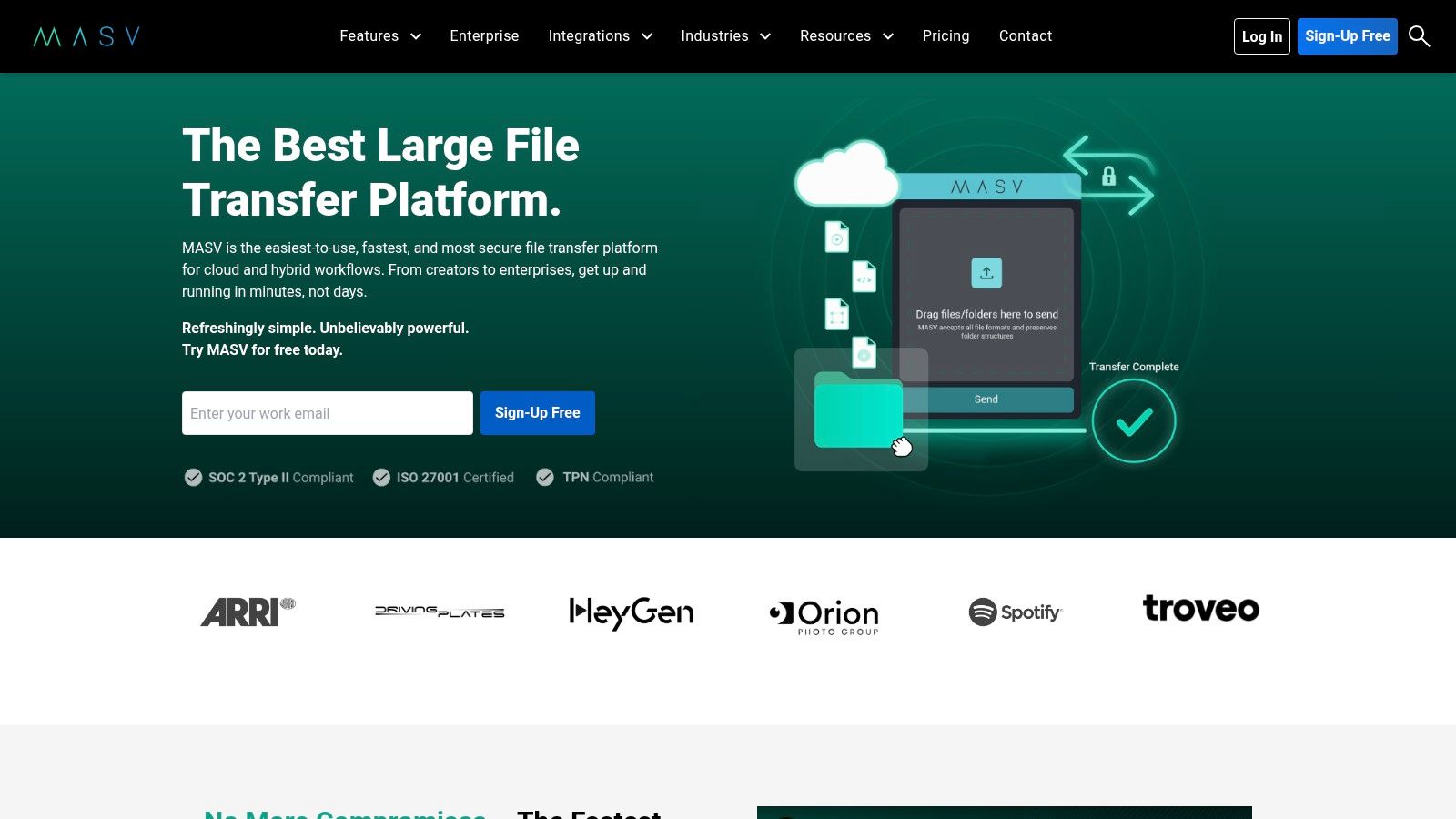
This platform is a top contender for the best way to send video files when you're dealing with professional-grade, uncompressed footage where other services just hit a wall. Its robust infrastructure is designed to handle the largest files without failure, making it ideal for collaborative, high-stakes projects. While its pricing is geared towards professional use, services like HeftySend offer a completely free alternative with unlimited transfers for those who don’t require enterprise-level security or multi-terabyte support.
Key Features and User Experience
MASV’s interface is straightforward, focusing on reliability and speed over flashy design. Its core strength lies in its powerful backend, designed to accelerate transfers and integrate seamlessly into professional workflows.
- No File Size Limits: You can send multi-terabyte files in a single transfer, a critical feature for RAW camera footage or final project archives.
- Pay-As-You-Go Pricing: Usage is billed at $0.25 per gigabyte downloaded (egress). Users get 15 GB of free data each month to start.
- Professional Integrations: Connects directly with cloud storage like AWS and Wasabi, as well as collaboration tools like Frame.io, to streamline post-production pipelines.
- Top-Tier Security: MASV is compliant with SOC 2, ISO 27001, and is a TPN Gold partner, meeting the stringent security requirements of major film studios.
Pros and Cons
| Pros | Cons |
|---|---|
| No hard file size caps, perfect for 4K/8K and RAW video files. | Requires a credit card to sign up, even for the free tier. |
| Transparent, granular pricing suitable for project-based work. | Egress pricing can become expensive for frequent, large transfers. |
| Trusted security and compliance for sensitive media assets. | Less focused on casual users or smaller file transfers. |
For more information or to try it yourself, visit MASV.
4. Dropbox
Dropbox is a household name in cloud storage, but its capabilities extend far beyond simple file hosting. It offers a powerful combination of long-term storage and dedicated file transfer tools, making it a versatile choice for creators managing ongoing projects. With Dropbox Transfer, you can send large, finalized video files with professional-grade controls like password protection and download notifications, all without giving recipients access to your cloud folders.
This platform proves it's a contender for the best way to send video files by leveraging its robust infrastructure. Its desktop application is a key advantage, enabling stable uploads of single files up to 2 TB, a limit that many browser-based services struggle to match. While alternatives like HeftySend provide unlimited transfers even on their free plan, Dropbox’s integrated ecosystem of storage, collaboration, and transfer tools makes it an excellent all-in-one solution for professionals already embedded in its environment.
Key Features and User Experience
Dropbox shines by separating its long-term storage from its one-off transfer feature, giving users clear control over how their files are shared. The interface is familiar and trusted by millions, ensuring a smooth experience for both sender and recipient.
- Dropbox Transfer: A dedicated tool for sending large files. Recipients can download the video without needing a Dropbox account, similar to other transfer services.
- Massive File Support: While web uploads have limits, the desktop app supports single file uploads up to 2 TB, making it ideal for high-resolution 4K or 8K video projects.
- Customizable Sharing: Paid plans unlock advanced features like password protection, setting expiration dates for links, and customizing the download page with your logo and background.
- Plan-Based Limits: Transfer sizes are tied to your subscription level.
- Basic (Free): Up to 100 MB per transfer.
- Plus: Up to 2 GB per transfer.
- Professional/Business Tiers: Up to 250 GB per transfer.
Pros and Cons
| Pros | Cons |
|---|---|
| Widely known and trusted platform with a familiar user experience. | File transfer size caps are low unless you are on a paid tier. |
| Robust desktop application for reliably uploading huge files. | Higher tiers or add-ons are needed for the largest transfer limits. |
| Secure and customizable sharing controls on paid plans. | Primarily a cloud storage service, not a dedicated transfer tool. |
For more information or to try it yourself, visit Dropbox.
5. Google Drive (Google One)
As part of Google's ubiquitous ecosystem, Google Drive is one of the most accessible and widely used cloud storage solutions available. Its deep integration with Gmail, Android, and other Google Workspace apps makes it a default choice for millions. For sending video files, it offers a blend of generous free storage and powerful, yet simple, sharing controls, making it ideal for users already embedded in the Google environment. You simply upload a video to your Drive, right-click to get a link, and set the permissions for who can view or edit it.
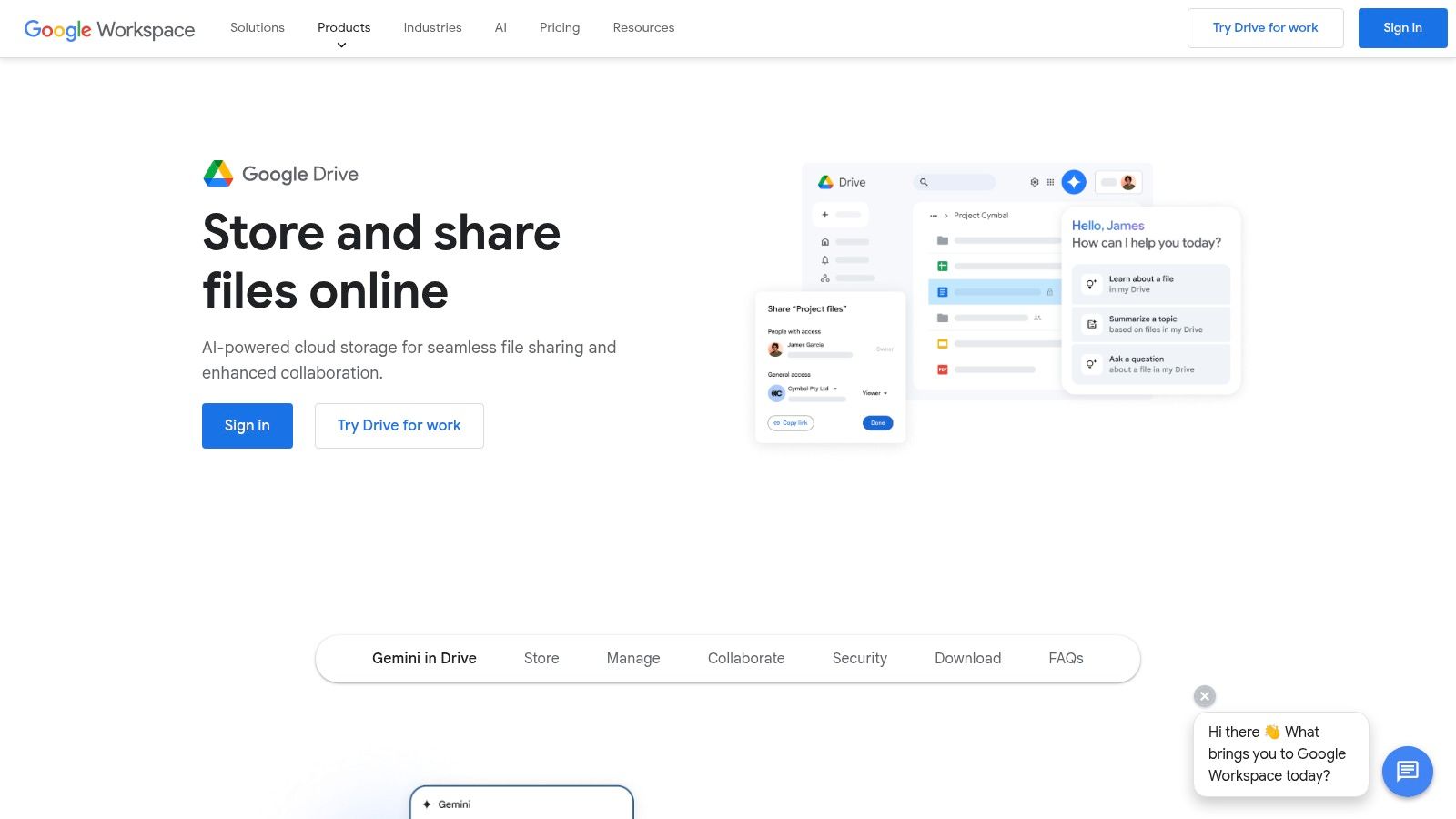
This platform proves to be the best way to send video files for those who prioritize long-term storage and collaborative access over a simple one-off transfer. It excels in scenarios where a video file needs to be shared with a team for feedback or stored for future reference. While it's incredibly convenient, its 750 GB daily upload limit can be a hurdle for massive projects, and its download experience isn't as slick as dedicated transfer services like HeftySend, which are built purely for sending.
Key Features and User Experience
Google Drive’s strength lies in its familiarity and robust integration. Sharing a video is as easy as sharing a document, with granular control over who sees it and what they can do with it.
- Generous Storage and High Limits: Every Google account comes with 15 GB of free storage. Individual files can be up to 5 TB, though a daily upload cap of 750 GB per user applies.
- Granular Sharing Permissions: You can generate a shareable link and restrict access to specific people, or allow anyone with the link to view, comment, or edit. You can also prevent viewers from downloading, printing, or copying the file.
- Affordable Upgrades: Through Google One, users can affordably upgrade their storage, with plans starting from 100 GB up to multiple terabytes, shared across all Google services.
- Seamless Ecosystem Integration: Attaching large video files from Drive directly into a Gmail message is effortless, bypassing traditional email attachment size limits.
Pros and Cons
| Pros | Cons |
|---|---|
| Near-ubiquitous platform that most recipients already use. | Daily upload caps (750 GB) can hinder very large one-off transfers. |
| Strong permission controls for secure and managed sharing. | Link sharing lacks the polished download portals of pro transfer tools. |
| Affordable and scalable storage upgrade options via Google One. | Free 15 GB storage is shared with Gmail and Photos, filling up quickly. |
For more information or to use it now, visit Google Drive.
6. Filemail
Filemail is engineered for power users and businesses that need robust, high-capacity file transfer solutions. It stands out by offering exceptionally generous transfer limits and enterprise-grade features, making it ideal for sending large video projects, raw footage, or entire media archives. Its desktop apps for Windows and Mac provide a key advantage: the ability to resume interrupted transfers, ensuring that a spotty internet connection won't derail a critical delivery.
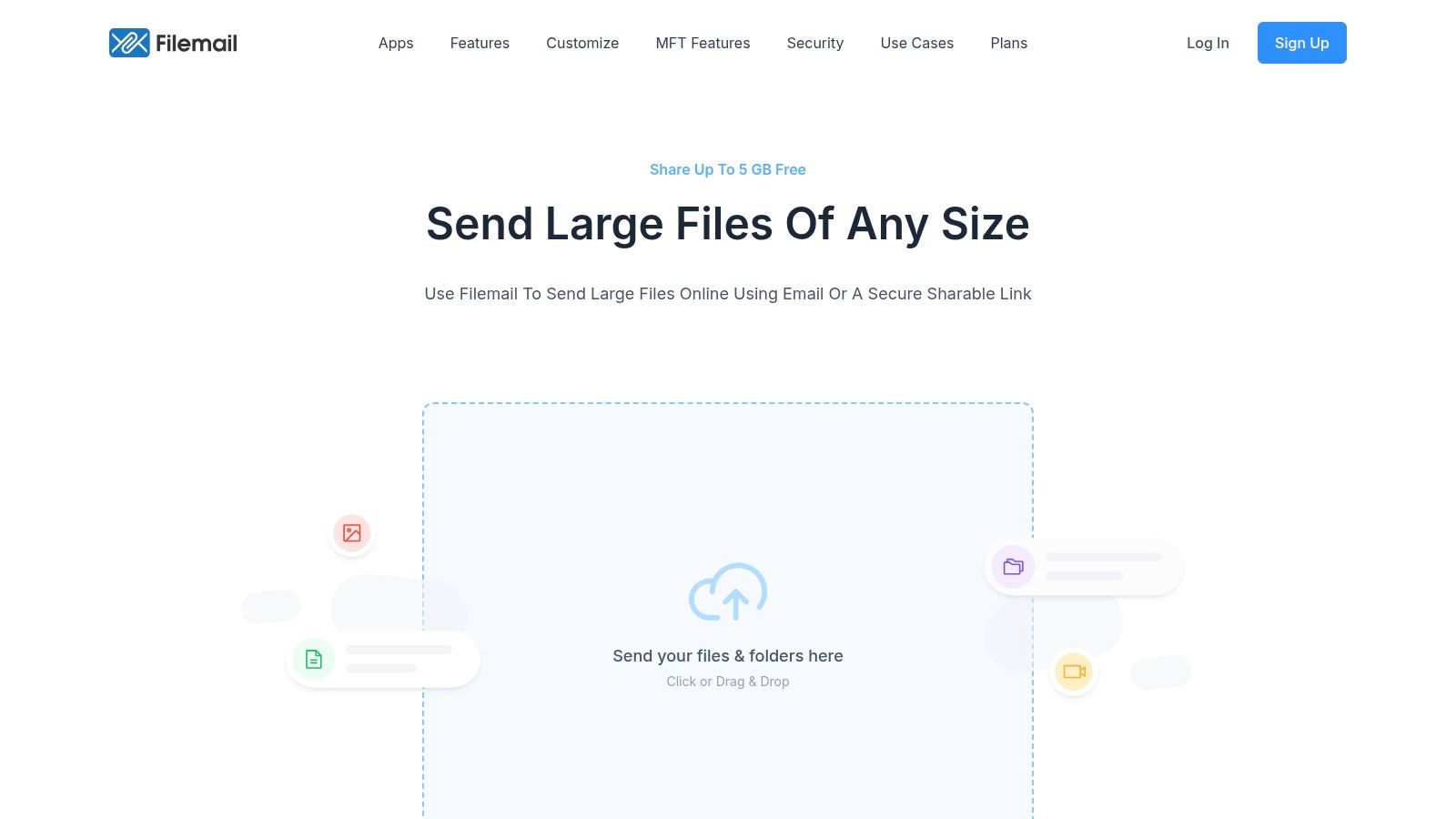
This platform is a top-tier choice and a strong contender for the best way to send video files when reliability, security, and sheer size are non-negotiable. While its interface is more feature-rich and less minimal than some alternatives, its focus on performance and compliance is unmatched. For those seeking unlimited transfers without cost, services like HeftySend provide a compelling free alternative, but Filemail’s paid tiers are tailored for demanding professional workflows.
Key Features and User Experience
Filemail balances a comprehensive feature set with a functional user experience geared toward professionals who need more than a simple upload-and-send tool. It provides tracking, security, and management capabilities that go beyond basic file sharing.
- Generous Transfer Limits: Its plans are built to handle massive files, a critical need for video professionals working with 4K or 8K footage.
- Enhanced Reliability: The dedicated desktop apps offer transfer acceleration and the ability to automatically resume failed uploads, a lifesaver for unstable connections.
- Security and Compliance: Features like antivirus scanning, password protection, and options to select data storage regions make it suitable for corporate environments with strict data policies.
- Clear Tier Structure: Filemail offers scalable plans for different needs.
- Free: Up to 5 GB per transfer, limited to 2 transfers per day, with 7-day file retention.
- Pro: Up to 250 GB per transfer with 1 TB of long-term storage and 30-day retention.
- Business: Unlimited transfer size, 1 TB of storage per user, and permanent file retention.
Pros and Cons
| Pros | Cons |
|---|---|
| Extremely high transfer limits on paid plans, including unlimited. | Free tier is restrictive with a 2-transfer-per-day limit. |
| Desktop apps improve transfer speed and stability. | User interface is more complex than minimalist services like WeTransfer. |
| Advanced security and compliance features for enterprise use. | Less focused on a quick, one-off sharing experience. |
For more information or to try it yourself, visit Filemail.
7. Smash
Smash distinguishes itself by removing traditional file size limits, even on its free tier. This approach makes it a compelling choice for creatives and professionals who frequently handle massive video files but don't want to be forced into a paid plan. The platform operates on a simple drag-and-drop model, allowing you to quickly generate a shareable link or send an email notification directly to your recipient. Its modern, visually appealing interface ensures a professional presentation for client-facing work.

This service is arguably the best way to send video files for those on a budget who need to transfer files larger than the typical 2-5 GB free limit found elsewhere. It provides an impressive amount of value for free, making it ideal for one-off large transfers. However, for those needing consistent, high-speed delivery without queues, alternatives like HeftySend provide unlimited transfers on their free plan without the potential wait times, offering a more reliable workflow for frequent users.
Key Features and User Experience
Smash focuses on providing a beautiful and effective file transfer experience, with unique features that set it apart from more utilitarian services. Its core value is offering unlimited-size transfers for free, though with a catch.
- No File Size Limits (Free Tier): You can send a file of any size for free. However, transfers larger than 2 GB are placed in a queue and are not prioritized, meaning delivery can be delayed.
- Link Customization & Branding: Paid plans allow you to create branded download pages with your logo and a custom URL (e.g., yourname.fromsmash.com), reinforcing your brand identity with clients.
- Tiered Transfer Speeds:
- Free: Unlimited file size, but transfers over 2 GB are queued and processed on a non-priority basis. Files available for 7 days.
- Pro: Up to 250 GB per transfer with priority speed and no queues. Files available for up to 30 days.
- Team: Adds multiple users and advanced administration tools.
Pros and Cons
| Pros | Cons |
|---|---|
| No hard file size limits on the free plan, which is very rare. | Free transfers over 2 GB are queued and can be slow to send. |
| Beautiful, professional download pages enhance client perception. | The 250 GB cap on the Pro plan is lower than some competitors. |
| Strong security with AES and TLS encryption on all transfers. | Link availability on the free plan is limited to 7 days. |
For more information or to try it yourself, visit Smash.
Top 7 Video File Transfer Tools Comparison
| Service | 🔄 Implementation Complexity | 💡 Resource Requirements | 📊 Expected Outcomes | 💡 Ideal Use Cases | ⭐ Key Advantages |
|---|---|---|---|---|---|
| HeftySend | Moderate - web interface with drag-drop, CDN use | Low for free, higher for premium/custom S3 | Fast large transfers up to 20 GB free, unlimited bandwidth | Creatives, SMBs, agencies needing fast, branded sharing | Generous free tier, global CDN speed, preview & branding |
| WeTransfer | Low - simple link/email sharing | Very low - no recipient account needed | Quick, easy transfers up to 3 GB free, monthly caps | Fast one-off client deliveries | Dead-simple workflow, clear tier limits, easy upgrades |
| MASV | Moderate - pay-as-you-go, integrations required | Medium to high - credit card needed | Unlimited file sizes, professional security compliance | Media production requiring huge video files | No size limits, transparent pricing, enterprise security |
| Dropbox | Moderate - desktop app + web sharing | Medium - depends on plan tier | Large uploads up to 2 TB, customizable sharing | Broad usage, teams needing storage + transfer | Trusted platform, strong desktop support, secure sharing |
| Google Drive | Low - integrated in Google ecosystem | Low to medium - free 15 GB, paid plans up to multiple TB | Large file sharing up to 5 TB with daily caps | General users needing seamless Google integration | Wide adoption, strong permissions, affordable storage |
| Filemail | Moderate - desktop apps, enterprise security | Medium to high - paid plans for large sizes | Very large per-transfer limits, enterprise features | Enterprises needing secure, reliable large transfers | Unlimited size on paid, resume support, virus scanning |
| Smash | Low to moderate - web + apps, queued large files | Low for free, medium paid for branding/analytics | Large unlimited transfers with free queue delays | Creatives needing large free transfers with branding options | No size limit free tier, no per-GB fees, attractive pages |
Your Next Move: Choosing the Right Tool for the Job
Navigating this landscape can feel overwhelming, but as we've explored, finding the best way to send video files isn't about a single magic bullet. It’s about matching the right tool to your unique project, workflow, and audience. The ideal solution really hinges on your specific circumstances and priorities.
We've covered a range of powerful options, from the simple, no-frills transfers of WeTransfer to the industrial-grade power of MASV for massive cinematic files. We’ve also seen how cloud giants like Dropbox and Google Drive offer an integrated ecosystem for teams who need more than just a transfer link. Each platform brings a distinct set of strengths to the table, and each is designed for a different kind of creative professional.
How to Choose Your Perfect Match
To make the right decision, I find it helps to step back and assess my core needs. Ask yourself a few critical questions to narrow down the options:
- What is my primary use case? Are you a freelance editor sending final cuts to clients? Or are you part of a large marketing agency collaborating on raw footage? The first scenario demands a polished, client-facing experience, while the second requires robust team features.
- What's my typical file size? If you regularly handle files over 100 GB, services like MASV or Filemail are built for you. For daily transfers under 20 GB, a tool with a generous free tier like HeftySend is probably all you need.
- How important is the recipient's experience? For client work, features like custom branding, password protection, and instant video previews aren't just nice-to-haves; they are essential for looking professional and streamlining feedback.
- What is my budget? Figure out if a free plan gets the job done or if the efficiency gains from a premium subscription provide a worthwhile return on investment.
Once you have clarity on these points, the choice becomes much simpler. The best way to send video files is the one that removes friction from your workflow, impresses your clients, and lets you get back to what you do best: creating. And remember, the transfer is just one part of the puzzle. Once your video is delivered, optimizing your multi-platform content delivery strategies ensures your hard work gets the reach it deserves.
My advice is to start experimenting. Take advantage of the free tiers offered by services like ours, Smash, and WeTransfer. Send a test project to a colleague and evaluate the end-to-end process. Pay attention to upload speeds, the simplicity of the interface, and the quality of the download experience on the other end. For creative professionals who demand a blend of high-capacity sending, a beautiful user experience, and powerful branding tools, we honestly built HeftySend to be that perfect middle ground.
Ready to upgrade your workflow? HeftySend combines a massive 20 GB free transfer limit with instant video previews and beautiful, branded download pages to help you stand out. Send your first file in seconds and experience the difference a professional transfer tool can make.