

I get it. You've just finished a massive project—a 15 GB 4K video edit, a huge set of RAW photos, or a complex architectural model. Now comes the hard part: getting it to your client. You try email, but it bounces back. You try zipping it, but it's still too big. You start searching for free large file sharing online, and suddenly you're drowning in a sea of services, each with confusing limits, slow speeds, and intrusive ads. It’s frustrating, and honestly, it can make you look unprofessional.
But what if you could send that massive file in seconds, without zipping it, and have it arrive on a beautifully branded download page that wows your client? What if they could preview the video or browse the images right in their browser, no download required? That’s not a futuristic dream; it’s what modern file-sharing tools can do. Beyond just the act of sharing, these services are essential components of the broader ecosystem of the best collaboration tools for distributed teams, facilitating smoother workflows and real-time interaction.
As someone who's constantly moving huge files, I've tested them all—from the household names to the hidden gems. In this guide, I'm going to walk you through the 12 best options I've found. We'll look at the real-world limits, the actual speeds, and the little details that make a big difference. I'll also introduce you to my personal favorite, HeftySend, a tool we built to solve these exact frustrations. Let’s find the perfect service to make your file sharing painless and professional.
1. HeftySend: Best for Speed, Previews, and Branding
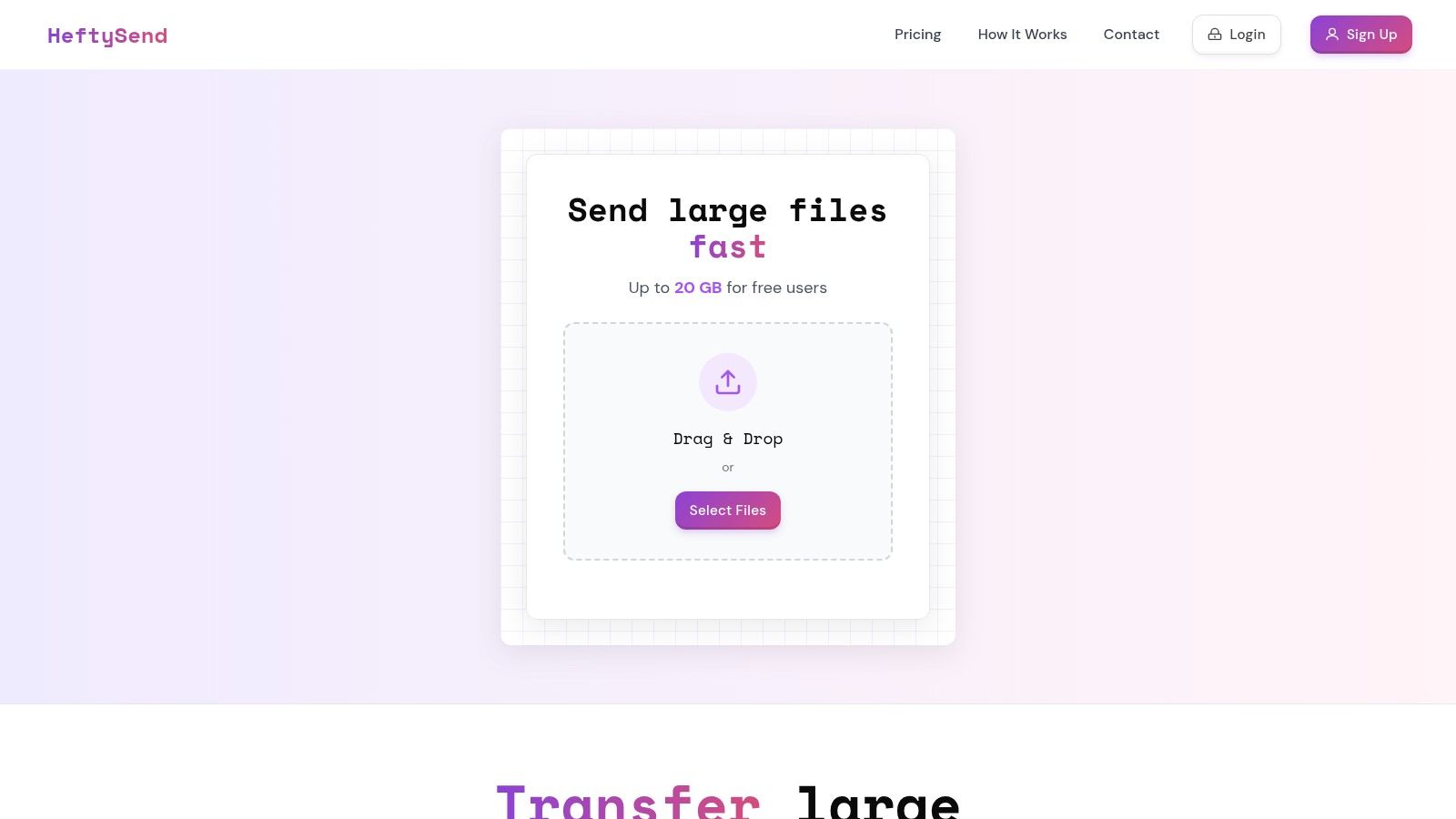
Let's kick this list off with my top recommendation, and full disclosure, it's our team's creation: HeftySend. We built it because we were tired of the frustrations with other platforms: sluggish speeds, clunky interfaces, and a lack of professional polish. Our mission was to create a tool that makes free large file sharing online not just functional, but genuinely fast, easy, and impressive for both you and your clients.
From a daily-use perspective, the instant media preview is a lifesaver. When I send a large video file for review, my client can stream it directly in their browser without downloading gigabytes of data first. This works for high-resolution image galleries, audio files, and multi-page PDFs too, dramatically speeding up feedback and saving everyone time. It's a game-changer, and once you try it, you'll wonder how you ever worked without it.
Core Advantages for Professionals
Where HeftySend really shines for freelancers, agencies, and small businesses is in its presentation. Instead of a generic, ad-cluttered download page, you can create a fully branded portal. This transforms a simple file transfer into a polished, professional brand experience that reinforces your value. You can see how it all comes together and learn more about HeftySend's features on their website.
Why I Think You'll Love It:
- Generous Free Tier: Send files up to 20 GB with unlimited bandwidth, completely free and without needing an account. Just drag, drop, and send.
- Global CDN Speed: It leverages a global Content Delivery Network, ensuring your uploads and downloads are consistently fast, no matter where you or your client are.
- Custom Branding: Add your logo, brand colors, and even a video background. It makes every delivery feel like an extension of your own website.
- Data Ownership (Premium): For those needing strict data control, premium plans let you integrate with your own S3-compatible storage, giving you full ownership.
The free plan is an incredibly powerful place to start, but keep in mind the 3-day link expiration. If you need features like persistent links and advanced branding, the paid plans (starting at just $9 per month) are a worthwhile investment for anyone serious about their professional workflow. Give it a try; I'm confident you'll see the difference.
2. Google Drive
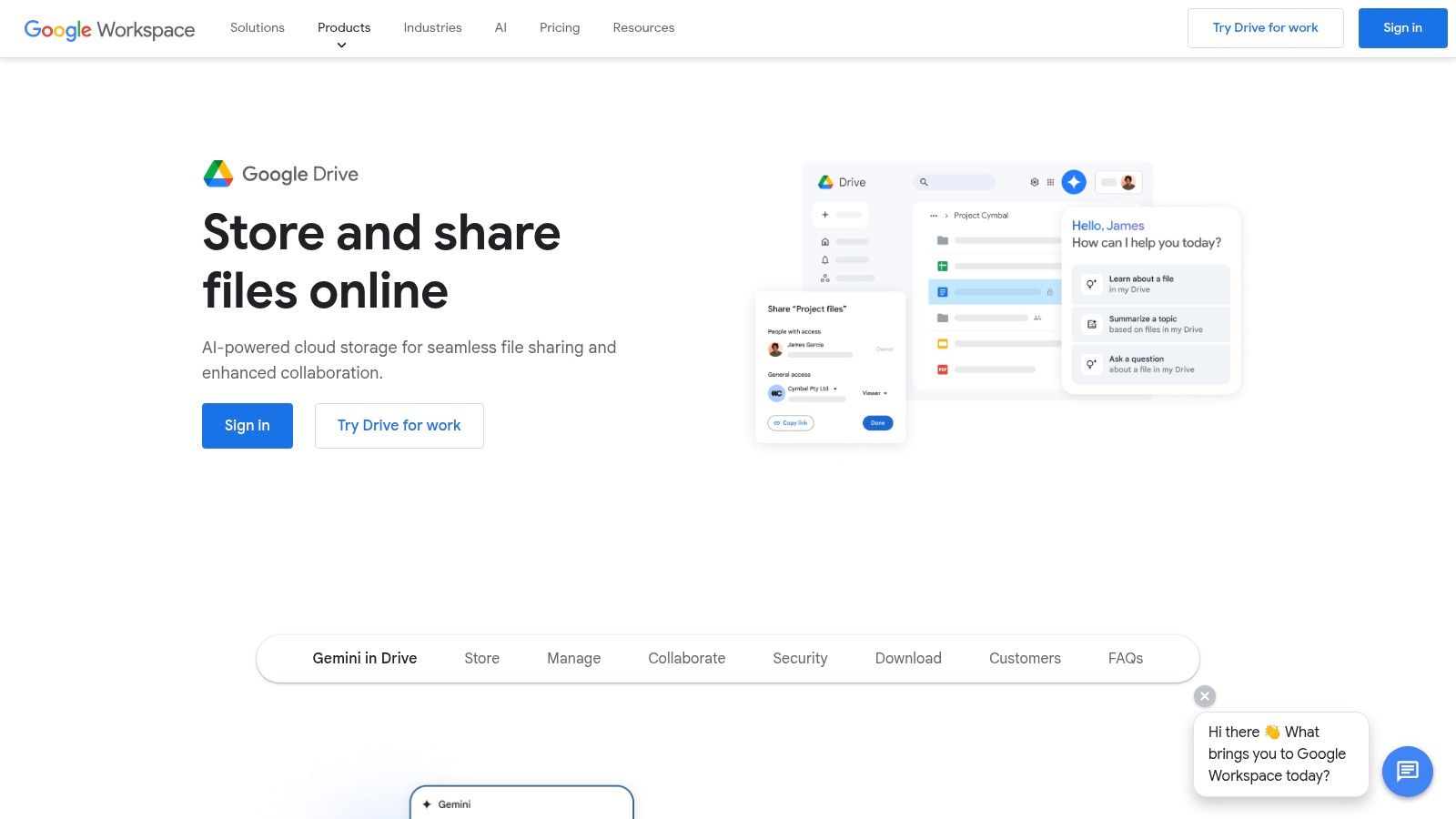
Google Drive is a powerhouse for free large file sharing online, especially if you're already living in the Google ecosystem. It’s super reliable and has a massive single-file size limit. While many services cap you in the gigabytes, Google Drive theoretically lets you upload a single file up to 5 TB, as long as you have the space.
For creative pros, this makes it a great choice for sending huge project files like raw video footage or design archives. You get 15 GB of free storage to start, but here's the catch: that space is shared with your Gmail and Google Photos. A busy inbox or a lot of photo backups can eat into your storage fast.
Key Features & Limitations
Sharing is straightforward: you generate a link and set permissions to view, comment, or edit. A big plus is that recipients don't need a Google account to download, which removes a common headache. However, be mindful of the 750 GB daily upload limit; hitting this can pause your transfers for 24 hours. While great for integrated workflows, if you purely need to send a one-off, massive file without storage strings attached, a dedicated service like HeftySend is much more direct.
- Pros: Handles multi-terabyte files, excellent app integration, familiar interface.
- Cons: Shared storage with other Google services, daily upload limits can be restrictive.
Website: https://drive.google.com
3. Microsoft OneDrive
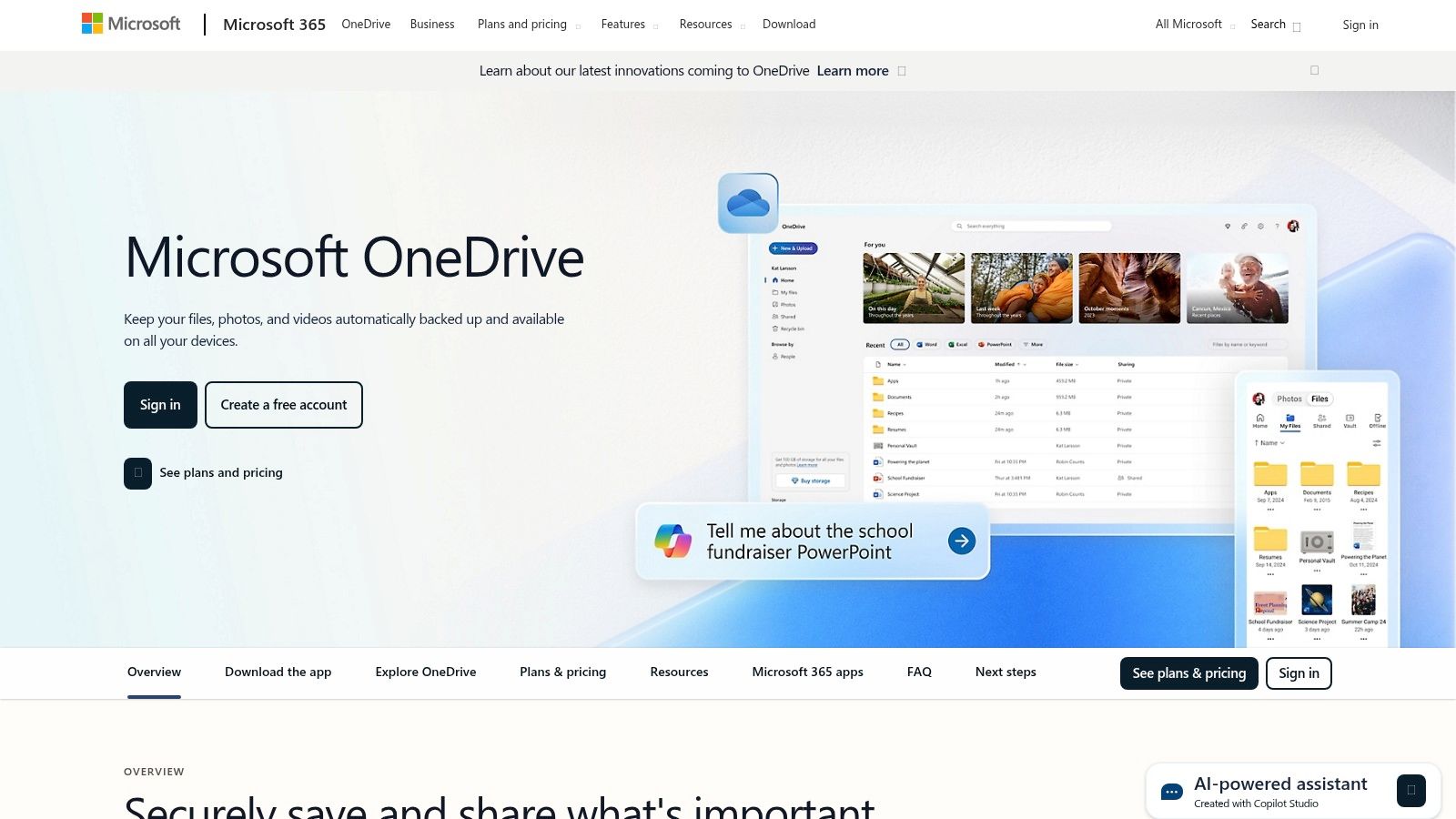
Microsoft OneDrive is a strong contender for free large file sharing online, especially if you're a Windows or Microsoft 365 user. Its key advantage is a massive 250 GB single-file size limit, even on the free plan. This makes it a fantastic option for professionals who need to transfer huge files like 4K video projects or complex CAD models without paying for a premium subscription.
The service gives you 5 GB of free storage, which is less generous than some rivals but is usually enough for temporary sharing. Its tight integration with Windows File Explorer and Office apps is where it truly shines, creating a seamless workflow that feels like an extension of your desktop rather than a separate web tool.
Key Features & Limitations
Sharing files is simple, with options to generate shareable links and set permissions or expiration dates. The desktop sync is reliable, ensuring your files are accessible across devices. However, that modest 5 GB free storage means it's less suited for long-term backup and more for a "send-and-delete" approach. While its ecosystem integration is a major plus, if your goal is just to send a single, large file quickly without managing an account, a more focused service like HeftySend could offer a more streamlined experience.
- Pros: Massive 250 GB single-file limit, seamless integration with Windows and Microsoft Office, reliable performance.
- Cons: Free storage is only 5 GB, best experience is tied to the Microsoft ecosystem.
Website: https://www.microsoft.com/onedrive
4. Dropbox (Basic)
Dropbox is a household name in file syncing, and its Basic plan is a simple way to get into free large file sharing online. It excels in usability, and creating shareable links is incredibly intuitive. While its main purpose is cloud storage, it works well for sharing files that fit within its free offering.
For creative professionals sharing design mockups or audio samples, Dropbox's interface is clean and efficient. The 2 GB of free storage is a big limitation for truly large files like 4K video, but the simplicity is a major plus. Recipients don't need a Dropbox account to view or download files, which smooths out the process for clients.
Key Features & Limitations
The platform's strength lies in its seamless integration across desktop and mobile devices. A key advantage is that when you share a link, the file size doesn't count against your recipient's storage quota, only yours. However, that 2 GB limit is a hard ceiling that makes it unsuitable for sending massive project files without upgrading. For those one-off, multi-gigabyte transfers that need to happen without playing storage-management games, a dedicated service like HeftySend provides a much more direct solution.
- Pros: Very easy to create and share links, broad app support, good file previewing.
- Cons: Only 2 GB of free storage severely limits large file sharing capacity.
Website: https://www.dropbox.com
5. WeTransfer
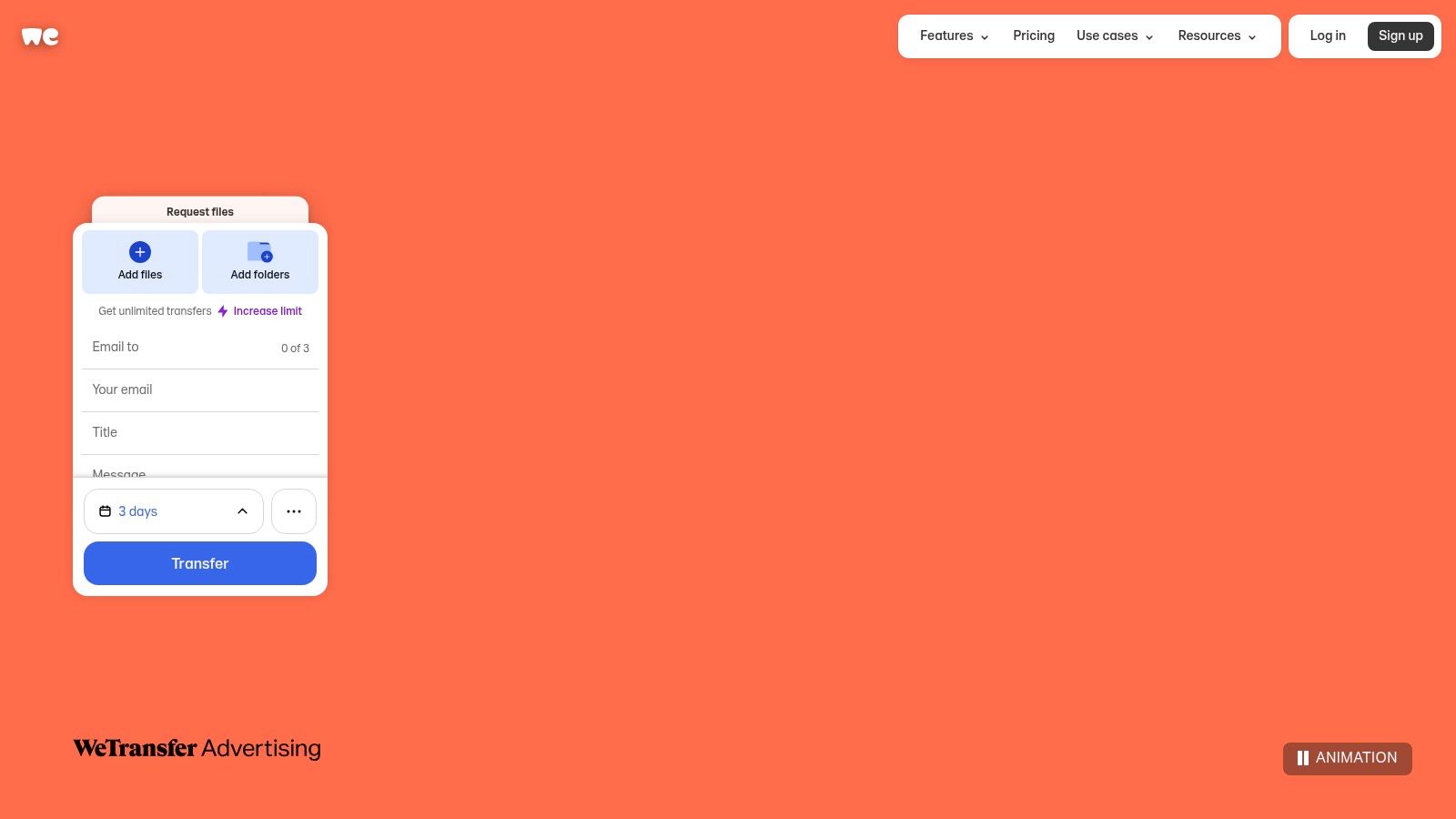
WeTransfer has long been the go-to platform for free large file sharing online because of its unmatched simplicity. It's like a digital courier; you don't need to create an account for simple sends, making it incredibly popular for quick, one-off deliveries. Its clean interface lets you send files up to 3 GB per transfer directly via email or through a shareable link.
This friction-free experience is why many creative professionals rely on it for delivering final assets. The ability to add password protection even on the free plan adds a welcome layer of security for sensitive client work, a feature often locked behind a paywall elsewhere.
Key Features & Limitations
While historically known for being generous, WeTransfer's free plan now has monthly caps of 10 transfers and 3 GB total storage per rolling 30-day period. This change makes it less suitable for frequent users or those sending larger project files consistently. The transfer link also expires after seven days. For professionals needing to send larger files more often without these new restrictions, a service like HeftySend offers a more robust and less limited alternative.
- Pros: Extremely easy to use, no account needed for sender or receiver, password protection on the free tier.
- Cons: New monthly transfer and storage caps on the free plan, 7-day link expiration.
Website: https://wetransfer.com
6. Smash (fromsmash)
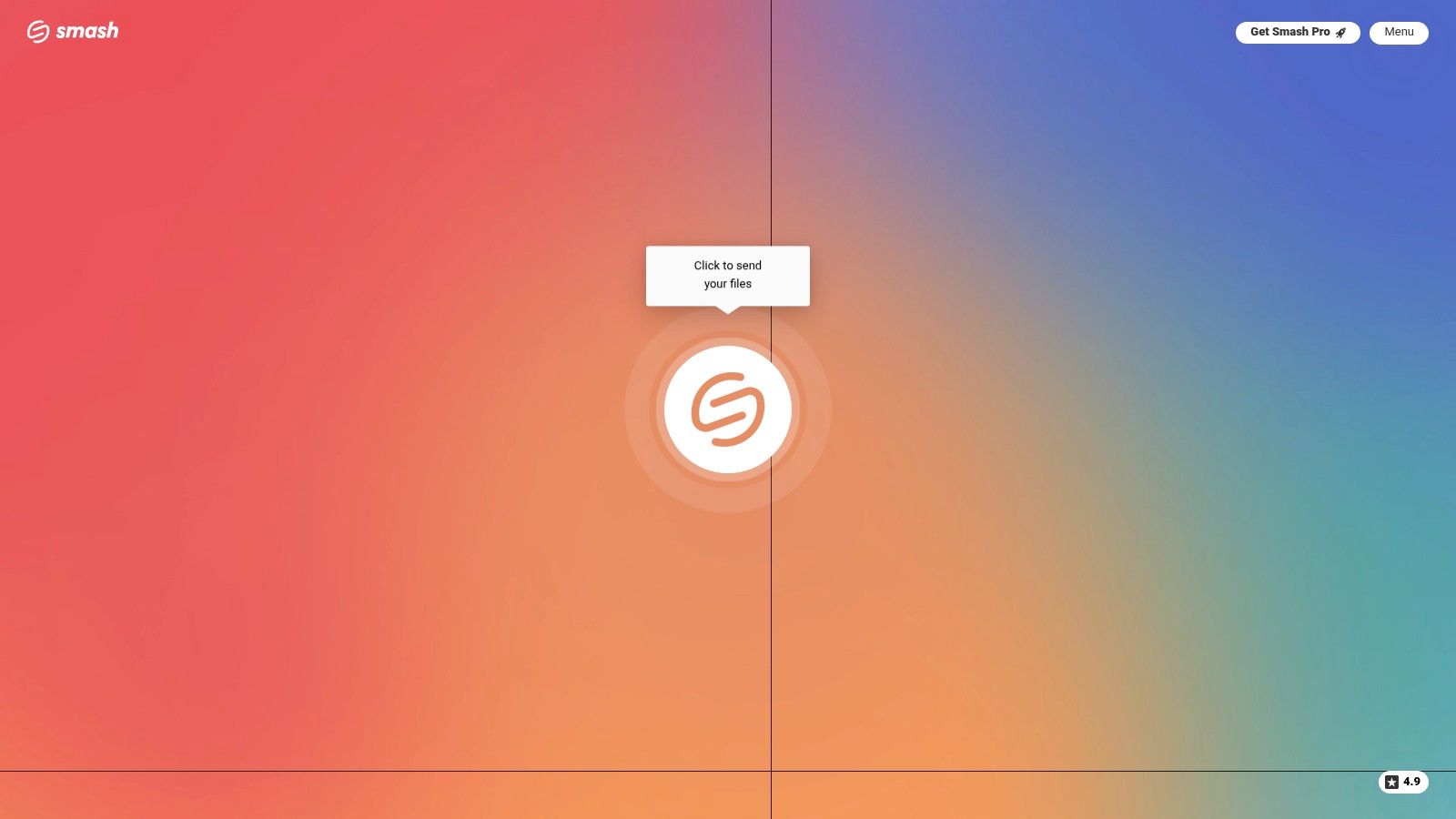
Smash stands out in the world of free large file sharing online by having no fixed file size limit, even on its free plan. This makes it an incredibly powerful tool for creatives who need to send massive, one-off files like full-length film dailies without worrying about hitting a cap. It operates on a simple, direct-transfer model designed for simplicity.
The user interface is clean and artful, focusing on a drag-and-drop experience that gets your files sent quickly. Free transfers are available for seven days by default, which is generous enough for most professional workflows. If you just need to get a huge file from point A to B without signing up, Smash is a top-tier choice.
Key Features & Limitations
Smash delivers files via a simple link or direct email. While the "no size limit" feature is its main draw, there's a practical trade-off. Free transfers larger than 2 GB are placed in a non-priority queue, meaning they can be significantly slower than premium transfers or services like HeftySend that are optimized for speed. This makes it less ideal for time-sensitive projects, but perfect for when size is the only real barrier. You can learn more about how Smash compares to other services on our blog.
- Pros: No file size limit on the free tier, beautiful and simple interface, no registration required.
- Cons: Slower transfer speeds for files over 2 GB on the free plan, file availability is temporary.
Website: https://www.fromsmash.com
7. SwissTransfer (by Infomaniak)
SwissTransfer is a standout choice for free large file sharing online, especially if you prioritize privacy and simplicity. Backed by Swiss hosting provider Infomaniak, it offers one of the most generous free tiers available without any registration. Its key differentiator is the massive 50 GB per-transfer limit, making it ideal for sending entire project folders or uncompressed 4K video clips in a single go.
For creative professionals like video editors, this is a game-changer. You can send dailies or large photo galleries without splitting them up. The service emphasizes its privacy-first approach, with all files hosted in Switzerland, a country known for strong data protection laws. This provides peace of mind when handling sensitive client work.
Key Features & Limitations
Using SwissTransfer is incredibly straightforward: just drag, drop, and send. You can customize transfers by setting a password, defining the number of downloads, and choosing a link expiry date of up to 30 days. This level of control is rare for a completely free service.
While the service is robust, some international users have noted occasional speed fluctuations. For mission-critical deliveries where consistent, blazing-fast speed is paramount, a specialized platform like HeftySend might offer a more reliable experience. However, for sheer file size and privacy, SwissTransfer is a top-tier contender.
- Pros: Huge 50 GB free transfer limit, strong privacy with Swiss hosting, no registration needed.
- Cons: Intermittent speed slowdowns have been reported by some users.
Website: https://www.swisstransfer.com
8. Filemail
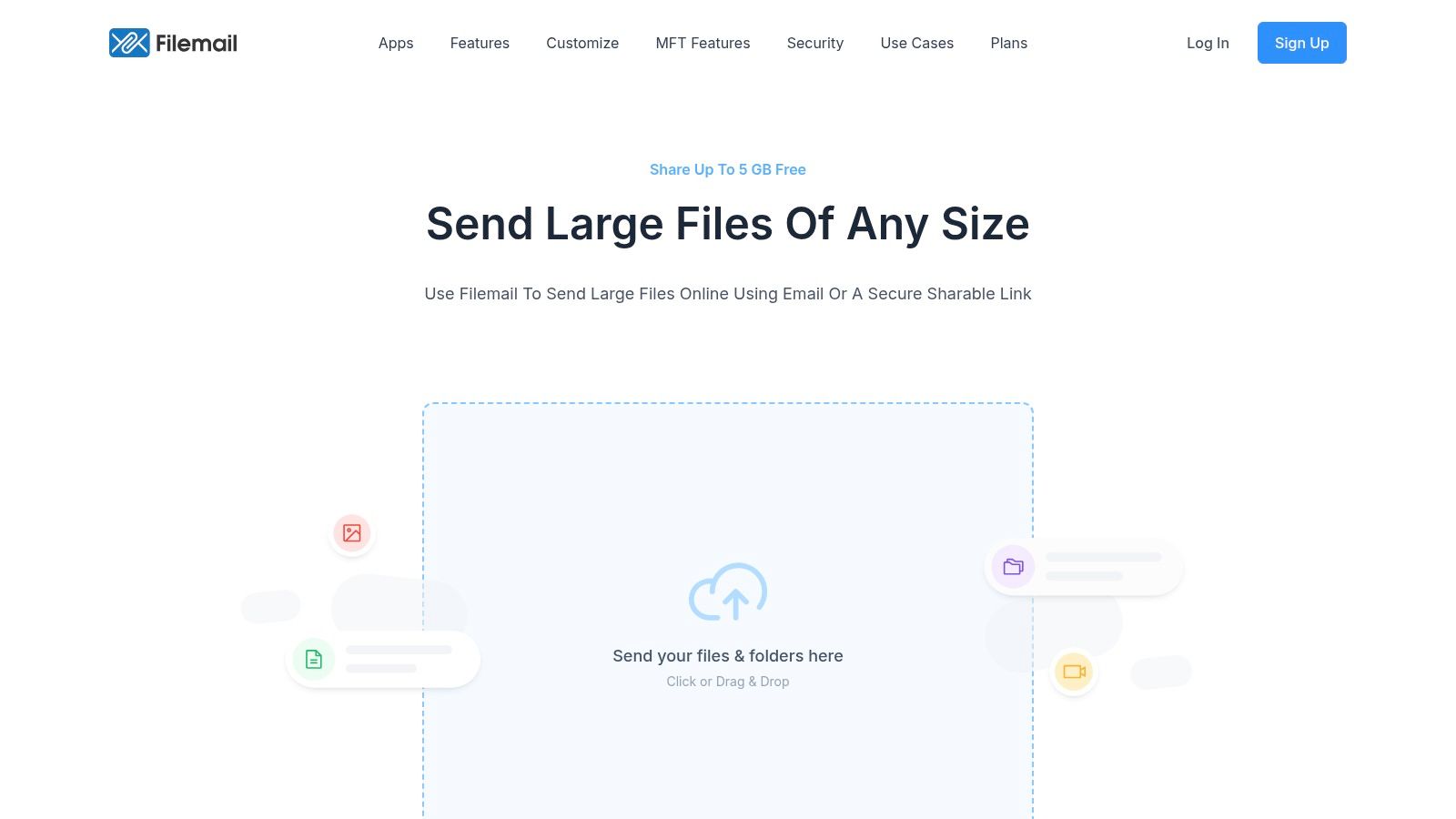
Filemail is a specialist in free large file sharing online, offering a simple, no-fuss approach that appeals to users who need speed and efficiency. Its main draw is the straightforward process: you don't need to register an account to send files up to 5 GB. This makes it an excellent choice for quick, one-off transfers where creating an account is an unnecessary hurdle.
For professionals like video editors or photographers sending proofs to clients, Filemail provides a clean and direct solution. The free service allows for two transfers per day, with each transfer available for download for up to seven days. This is a key limitation to note; if your recipient needs longer access, the short retention window could be an issue.
Key Features & Limitations
The user experience is incredibly simple, mimicking the feel of sending an email. Features like antivirus scanning and HTTPS encryption are included even on the free plan, providing a decent layer of security. However, the daily transfer limit and short 7-day file expiry are significant drawbacks for frequent users. For those needing more generous limits and longer-term storage without paying, a service like HeftySend offers a compelling, registration-free alternative with a larger file size cap.
- Pros: Very simple workflow, no registration required, good reputation for speed.
- Cons: Short 7-day retention on free plan, daily transfer limits can be restrictive.
Website: https://www.filemail.com
9. TransferNow
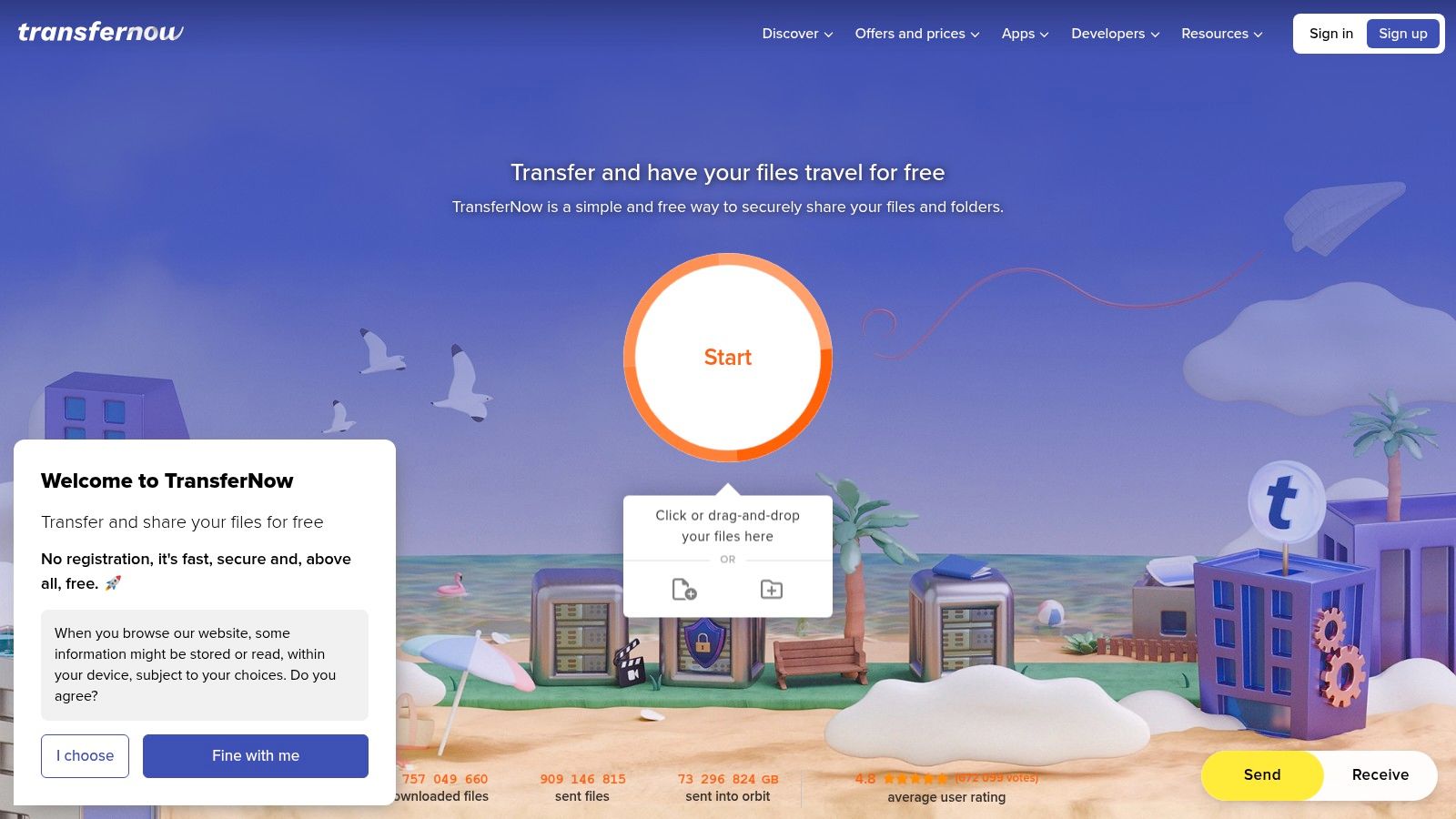
TransferNow is a robust solution for free large file sharing online, offering a generous 5 GB limit per transfer without registration. This makes it a strong contender for users who find services like WeTransfer a bit too restrictive but aren't ready to commit to a full cloud storage platform. It's a great middle-ground for sending moderately large files like client presentations or design proofs.
The platform stands out by including features often reserved for paid tiers, such as password protection on free transfers. This adds a welcome layer of security for sensitive projects. While the interface has more options than a simple drag-and-drop service, this also gives you more control, including setting file availability for up to seven days.
Key Features & Limitations
Beyond password protection, TransferNow offers add-ons for Outlook and Chrome, streamlining the sharing process. While it provides excellent features for its free tier, the 5 GB limit can still be a barrier for those in video production or high-resolution photography. For truly massive transfers, a dedicated tool like HeftySend remains a more straightforward choice for getting your largest files from A to B with minimal fuss.
- Pros: Generous 5 GB free transfer limit, password protection included in the free plan.
- Cons: The interface can feel slightly cluttered with its many options.
Website: https://www.transfernow.net
10. Send Anywhere
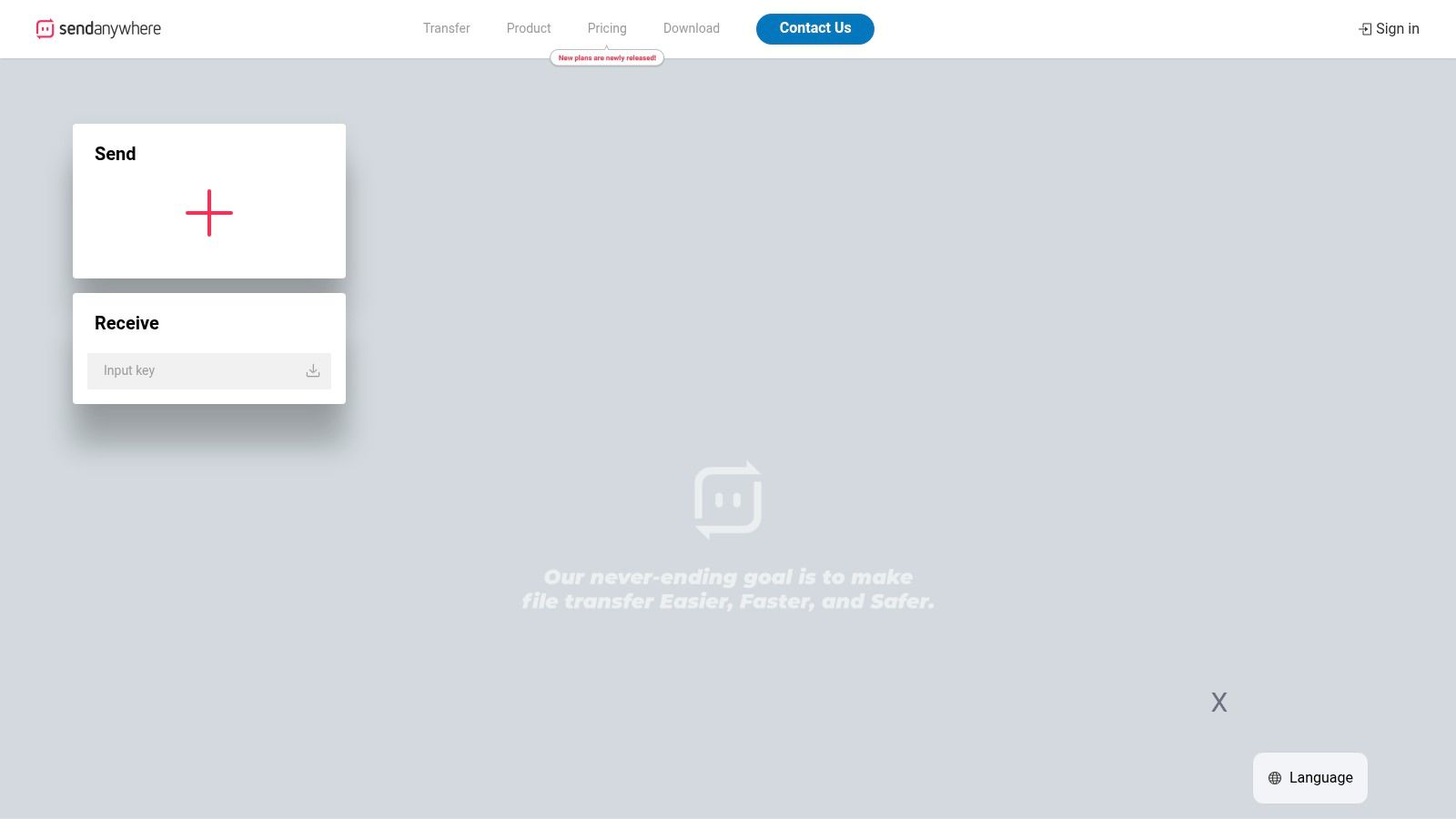
Send Anywhere offers a unique and flexible approach to free large file sharing online, blending direct device-to-device transfers with traditional link-based sharing. Its versatility is its core strength, allowing you to quickly send files to a nearby device using a 6-digit key or generate a link for recipients anywhere. The service provides a generous 10 GB file size limit for link sharing, which is excellent for hefty project files.
This dual-method system is particularly useful for creatives on the go. You can transfer raw photos from your camera to a laptop instantly without the cloud, then later upload a finished album via a link. Free links expire after 48 hours, creating a sense of urgency.
Key Features & Limitations
The platform's cross-device compatibility makes it a convenient tool. Recipients don't need an account to download files from a link, which simplifies the process. However, a key limitation for free users is the 10 GB per month total download data cap on links you create. If your files will be downloaded frequently by multiple people, this could be a bottleneck. For scenarios requiring high-volume downloads without such restrictions, a service like HeftySend offers a more straightforward, unlimited experience.
- Pros: Multiple sharing methods (direct key or link), generous 10 GB single file limit, no recipient account needed.
- Cons: Free accounts have a 10 GB/month download data cap for links, links expire in 48 hours.
Website: https://send-anywhere.com
11. MEGA
MEGA positions itself as a privacy-first solution for free large file sharing online, built on user-controlled end-to-end encryption. It provides a generous 20 GB of free storage, which is a big step up from many competitors. This makes it an excellent choice for users who need to store and share sensitive or confidential large files, like legal documents or proprietary designs.
The service's core principle is "zero-knowledge encryption," meaning not even MEGA can access your files. For freelancers sharing confidential client work, this provides a critical layer of security that standard cloud services often lack. Sharing is done via encrypted links, giving you control over who can decrypt and access the data.
Key Features & Limitations
MEGA operates on a transfer quota system, which can be a double-edged sword. While it allows for large uploads, your total transfer bandwidth (uploads and downloads) is limited over a rolling period. If you or your recipient move a lot of data, you may find your transfers paused until the quota resets. This can be a significant drawback for urgent deliveries. If you need guaranteed, uninterrupted transfers without quotas, a dedicated service like HeftySend offers a more direct approach for sending big files quickly.
- Pros: Strong privacy with client-side encryption, generous free storage, straightforward link sharing.
- Cons: Free transfer quota can pause large or frequent downloads and uploads.
Website: https://mega.io
12. pCloud Transfer (by pCloud)
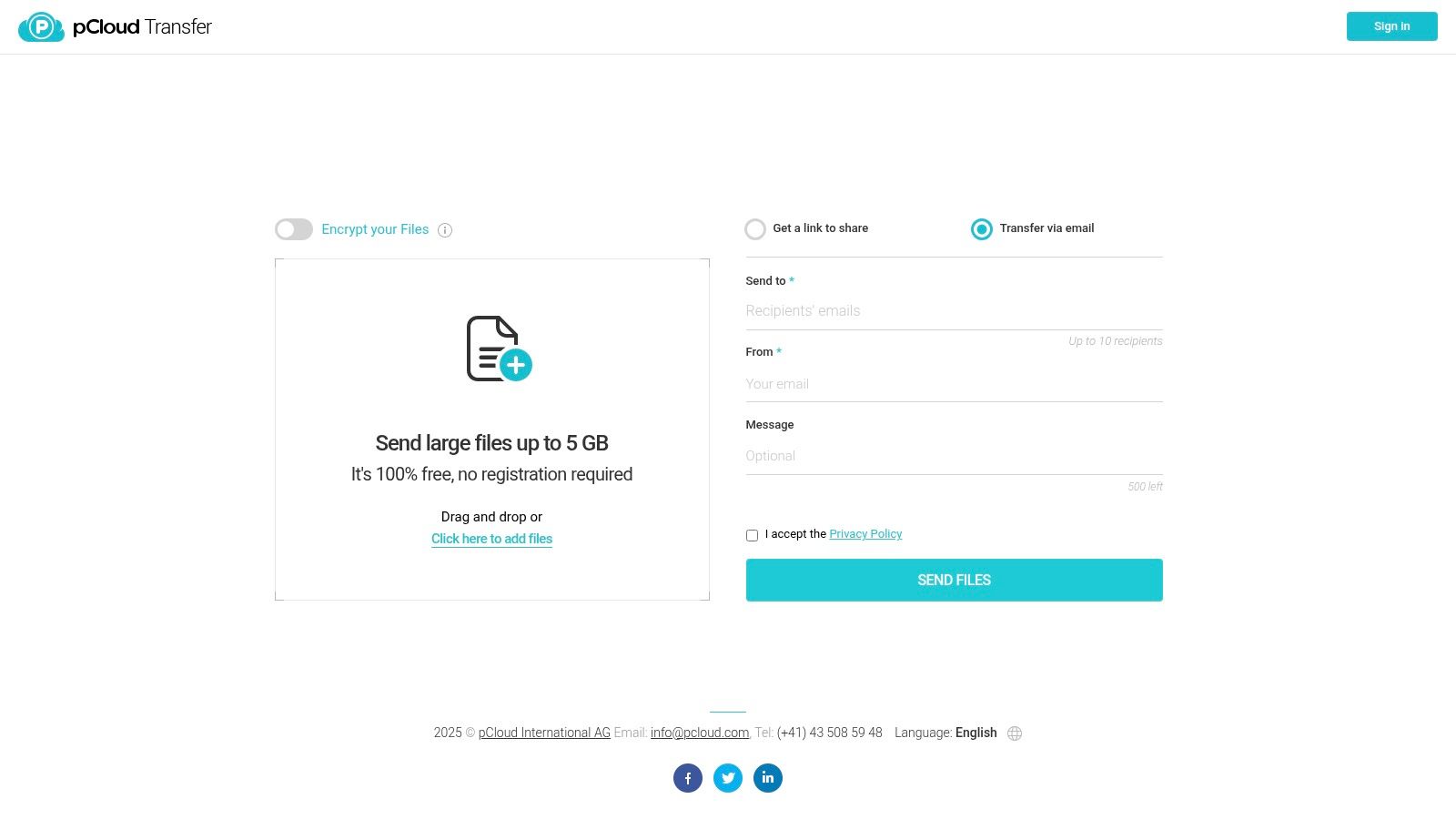
pCloud Transfer offers a streamlined solution for free large file sharing online, acting as a simple, no-registration-required counterpart to its main cloud storage service. It’s designed for quick, one-off sends, allowing you to transfer files up to 5 GB completely free without an account. This makes it an excellent choice if you value privacy and simplicity for occasional sends.
For creative professionals needing to send a project draft, pCloud Transfer provides an incredibly straightforward workflow. The standout feature is the option to add password protection and client-side encryption, a layer of security not always found in free, no-login services. This ensures that only the intended recipient can access the files.
Key Features & Limitations
The process is as simple as it gets: upload files, get a link, optionally set a password, and send. Files are only available for 7 days, which reinforces its purpose for temporary transfers. While the 5 GB limit is generous for a free, ad-hoc service, it can be restrictive for larger video files. For sending truly massive files without these size constraints, a platform like HeftySend offers a more robust alternative.
- Pros: No account needed, optional client-side encryption, very clean and simple interface.
- Cons: Files expire after 7 days, 5 GB file limit can be a bottleneck for larger projects.
Website: https://transfer.pcloud.com
Free Large File Sharing Platforms Comparison
| Service | Core Features & Limits | User Experience & Quality ★★★★✩ | Value & Pricing 💰 | Target Audience 👥 | Unique Selling Points ✨ |
|---|---|---|---|---|---|
| 🏆 HeftySend | Up to 20 GB free transfers, unlimited bandwidth | Ultra-fast global CDN, no pop-ups | Free tier; Premium from $9/month | Freelancers, agencies, pros 👥 | Custom branded pages, S3 integration, media previews |
| Google Drive | 15 GB free storage, max 5 TB file size | Reliable, well-integrated ★★★★ | Free; Paid Google One plans | Google ecosystem users 👥 | Deep Google app integration, granular link sharing |
| Microsoft OneDrive | 5 GB free, 250 GB max file size | Strong Office/Windows integration ★★★ | Free; M365 paid plans | Microsoft users, businesses 👥 | Tight Office & Teams sync, good desktop experience |
| Dropbox (Basic) | 2 GB free storage, 2 GB max transfers | Simple, broad platform support ★★★ | Free; Paid tiers available | Casual users, individuals 👥 | Easy link sharing, preview & basic version history |
| WeTransfer | 3 GB max per transfer, no account needed | Minimal friction, widely trusted ★★★ | Free with limits; Paid available | Quick client deliveries 👥 | No-account sending, password protection on free plan |
| Smash (fromsmash) | No size limit free, 7 days retention | Intuitive UI ★★★ | Free; paid tiers | Occasional large senders 👥 | No file size limit, drag & drop |
| SwissTransfer | 50 GB free per transfer, 30 days retention | Privacy-focused, Swiss hosting ★★★ | Free | Privacy conscious 👥 | Large free size, strong privacy, no signup needed |
| Filemail | 5 GB max free, 7-day retention | Simple workflow, stable ★★★★ | Free with limits; paid tiers | Power users, businesses 👥 | Antivirus scanning, desktop apps |
| TransferNow | 5 GB free max, 7 days retention | Feature-rich, slightly complex ★★★ | Free; paid add-ons available | Business & professionals 👥 | Password protection, multiple integrations |
| Send Anywhere | 10 GB free link sharing, 48h link validity | Versatile sharing methods ★★★ | Free; paid add-ons | Multi-device users 👥 | Device-to-device, 6-digit key, email add-on |
| MEGA | ~20 GB free, zero-knowledge encryption | Strong privacy ★★★ | Free; paid plans | Privacy-focused users 👥 | End-to-end encryption, large free storage |
| pCloud Transfer | 5 GB free, no registration | Clean, simple ★★★ | Free | Ad-hoc senders 👥 | Optional client-side encrypted links |
Stop Fighting Your Files and Start Sharing Smarter
Navigating the world of free large file sharing online can feel overwhelming, but the right tool for the job is out there. You no longer have to be stuck with tiny email attachment limits or clunky, slow services that frustrate your clients. The days of splitting massive video projects into multiple archives or compressing high-res photos into oblivion are officially over.
The key is to move beyond a one-size-fits-all approach. Your choice should be a strategic decision, not a last-minute scramble. By understanding the differences between these platforms, you can pick the service that perfectly aligns with your needs, whether you're a freelance designer, a video editor on a deadline, or a marketing agency juggling client assets.
Making the Right Choice for Your Workflow
To simplify your decision, let's recap the core strengths of the platforms we've covered.
- For Maximum Simplicity and Speed: If you just need a quick, no-frills transfer without creating an account, services like WeTransfer, Smash, and SwissTransfer excel.
- For Ecosystem Integration: If your work is deeply embedded in a specific software suite, sticking with Google Drive, Microsoft OneDrive, or Dropbox makes the most sense.
- For Absolute Privacy and Security: When handling sensitive information, the end-to-end encryption offered by MEGA provides an unparalleled level of security.
- For a Balanced, Professional Experience: This is where the real decision lies for most creative professionals. You need a tool that combines generous file size limits, professional presentation, and robust features without a hefty price tag.
Beyond Sending: A Smarter Digital Strategy
Ultimately, effective file sharing is just one component of a streamlined digital operation. When your assets are well-managed from the start, the entire process becomes more efficient. Taking the time to properly organize your digital photos and project files means you can find and send what you need in seconds. This proactive approach saves you time and reinforces your professionalism.
After testing and relying on countless tools over the years, my workflow has found its home with HeftySend. For me, it strikes the perfect balance that other services miss, combining a massive 20 GB free limit with blazing-fast transfers and features that actively enhance my client's experience, like instant in-browser previews and custom branding. It’s the platform that truly understands the demands of modern creative work.
The best way to find your perfect fit is to try it yourself. Stop letting file transfers be a bottleneck in your creative process. Elevate your workflow, impress your clients, and take back control of your time by choosing a free large file sharing online solution built for professionals.
Ready to experience a faster, more professional way to share your creative work? Try HeftySend today for free. With a 20 GB limit and no account required to start, you can send your largest files in minutes and see the difference for yourself.